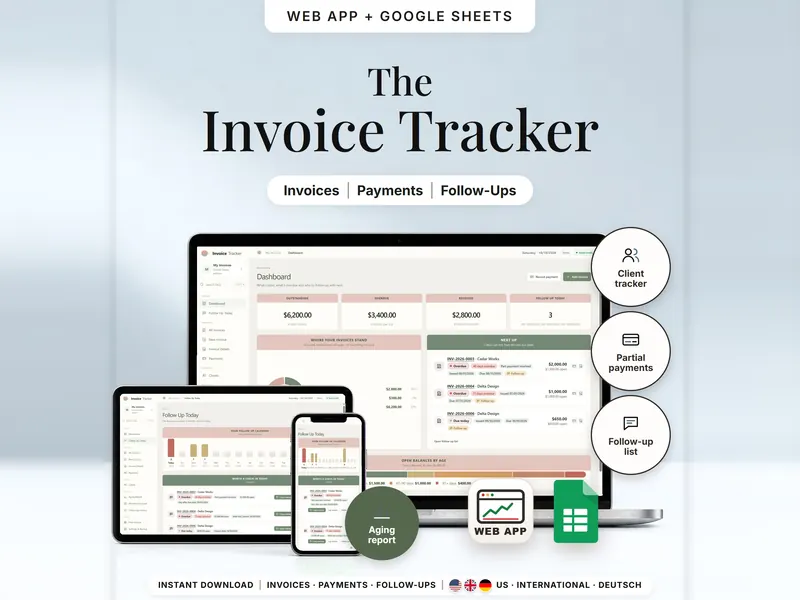
Invoice Tracker
See which invoices are open, part paid or overdue per client – and who to check in with.
- Web app + Sheets
€6.99*

Work & Business
Small business spreadsheet templates for freelancers and handmade sellers: invoices and part payments, prices with selling fees and margin, inventory and orders, projects on one timeline, a content calendar and PDF signing without uploading the file. Each tool comes as an offline web app and – except PDF E-Sign – as a template for Google Sheets™. They organize your own entries; they don't replace an accountant or tax advice.
See which invoices are open, part paid or overdue per client – and who to check in with.
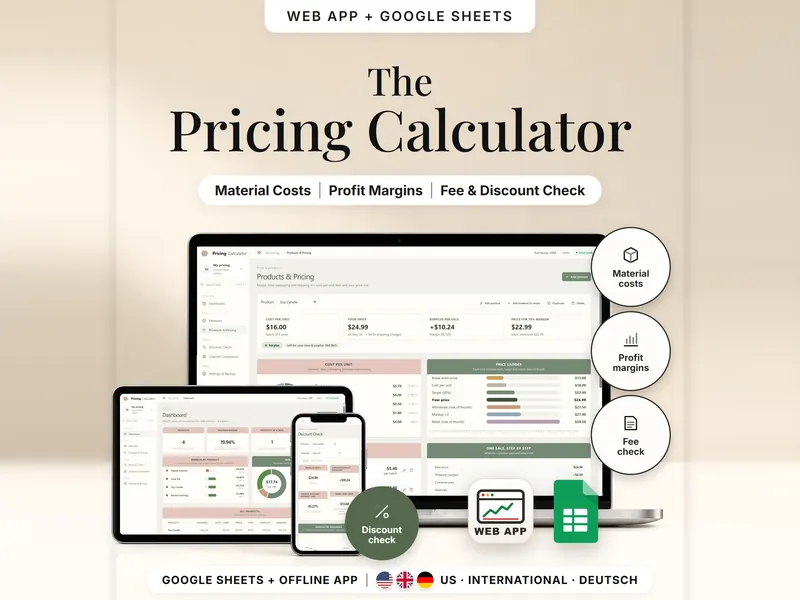
Work out your cost per unit and the price that reaches your target margin after fees.
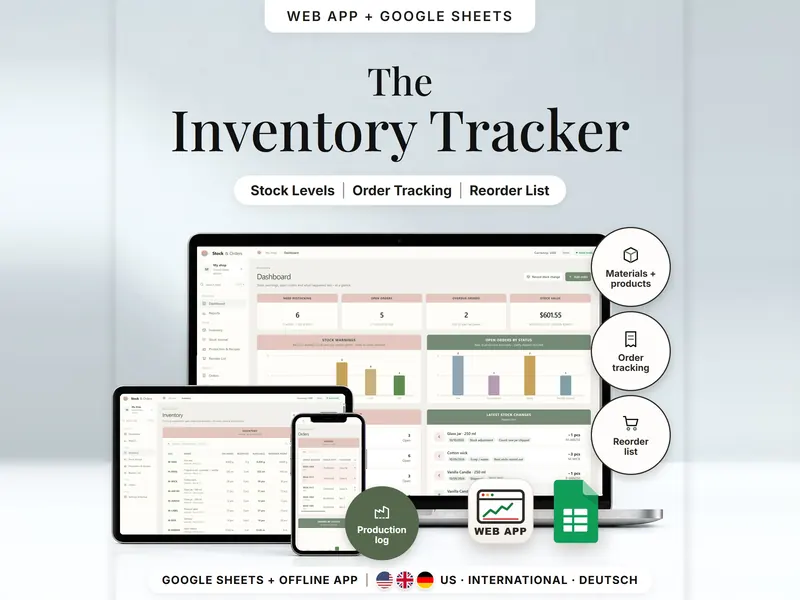
See what's on hand, reserved for orders and free to sell – and what to reorder.
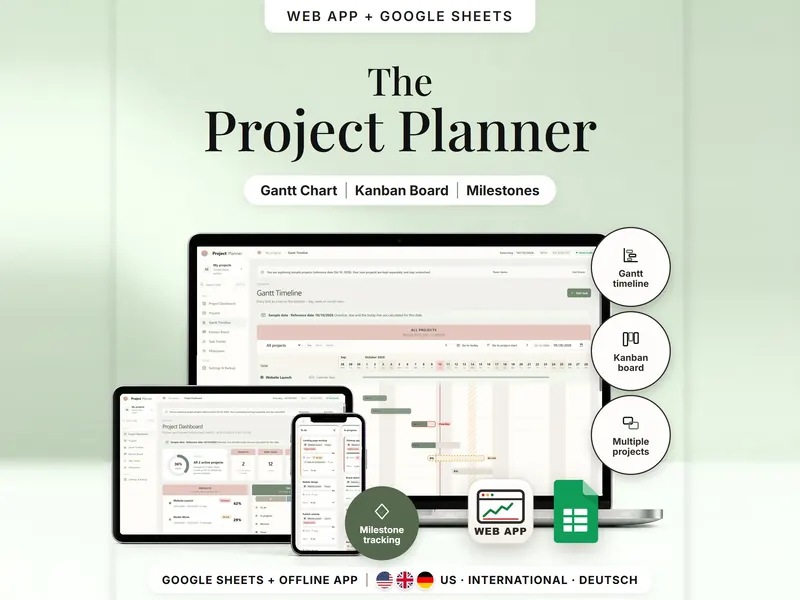
Plan several projects on a Gantt timeline and a Kanban board, both fed by one task list.
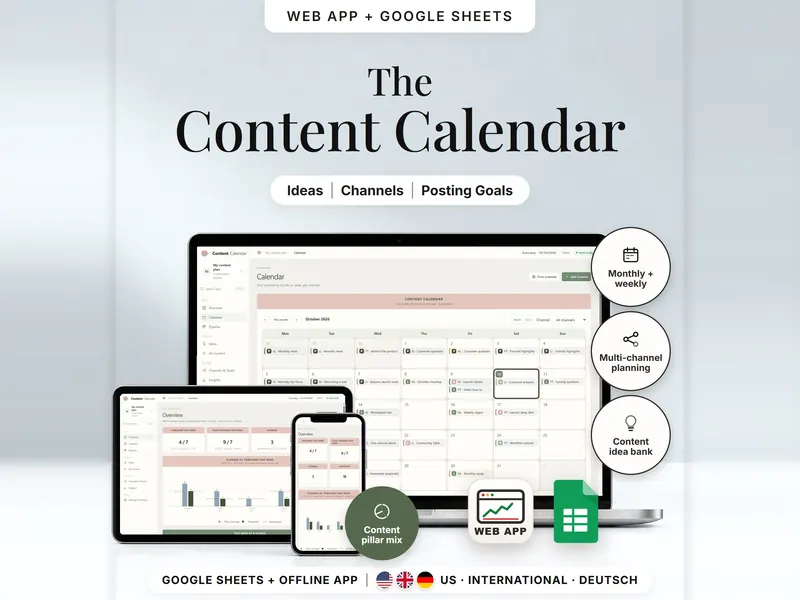
Plan one post for several channels and compare posting goals with what you published.
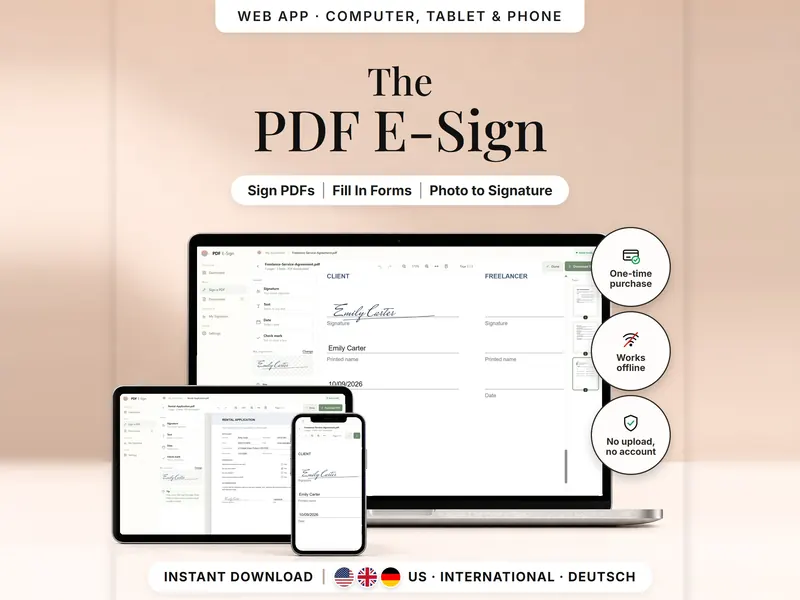
Add your signature, text, dates and check marks to a PDF and download a signed copy.
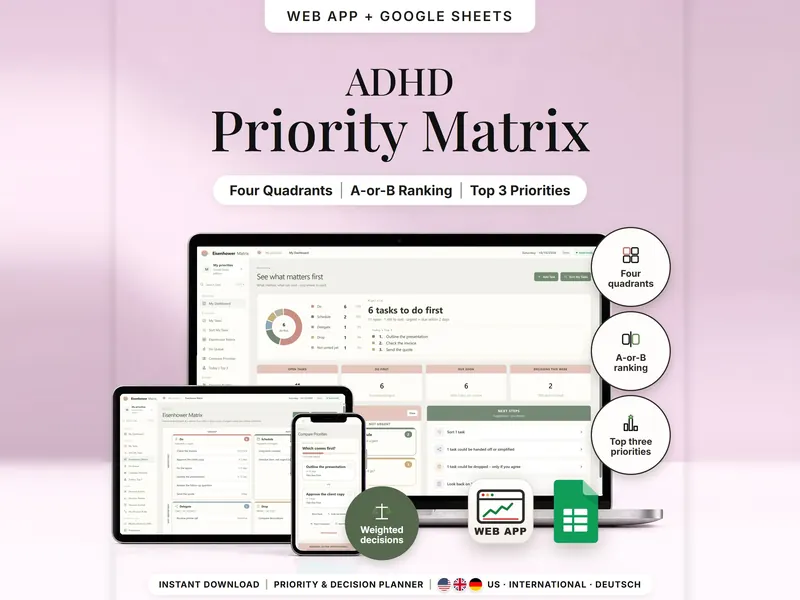
Sort tasks into Do, Schedule, Delegate or Drop and find your top 3, two tasks at a time.
| If you … | Look at |
|---|---|
| Waiting on client payments and part payments? | Invoice Tracker |
| Not sure what to charge for a handmade product? | Pricing Calculator |
| Want to see what's on hand, reserved and free to sell? | Inventory & Order Tracker |
| Several projects and want them on one timeline? | Project Management Spreadsheet |
| Planning posts for several channels? | Content Calendar |
| Need to sign or fill a PDF without uploading it? | PDF E-Sign |
No. Nothing is connected and nothing is imported automatically: you enter orders, invoices, costs and stock yourself. Platform names only describe what you can plan for.
No. They calculate prices, open balances, stock and dates from your own entries. VAT and sales tax aren't calculated, and nothing here is tax or legal advice – please check your local rules, for example for what an invoice must contain.
A visible signature – plus names, dates and check marks – on a new copy of your PDF, made on your own device without uploading the file. It doesn't verify your identity, and it isn't a cryptographic or qualified electronic signature. Some documents need one of those, or a handwritten signature.
The fee rates are editable estimates, checked on October 11, 2026. Fees change and differ by country and payment method, so compare them with your current fees and adjust them in the calculator.