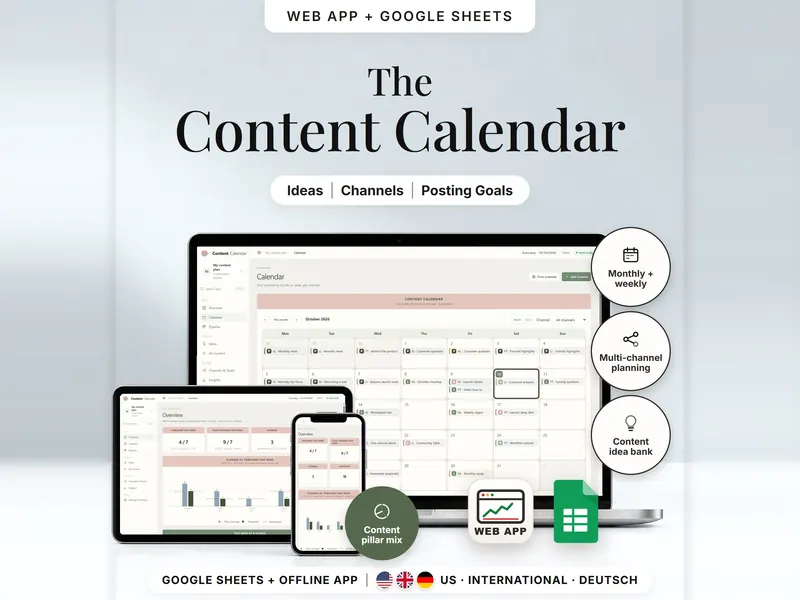
Content Calendar
Plan one post for several channels and compare posting goals with what you published.
- Web app + Sheets
€6.99*

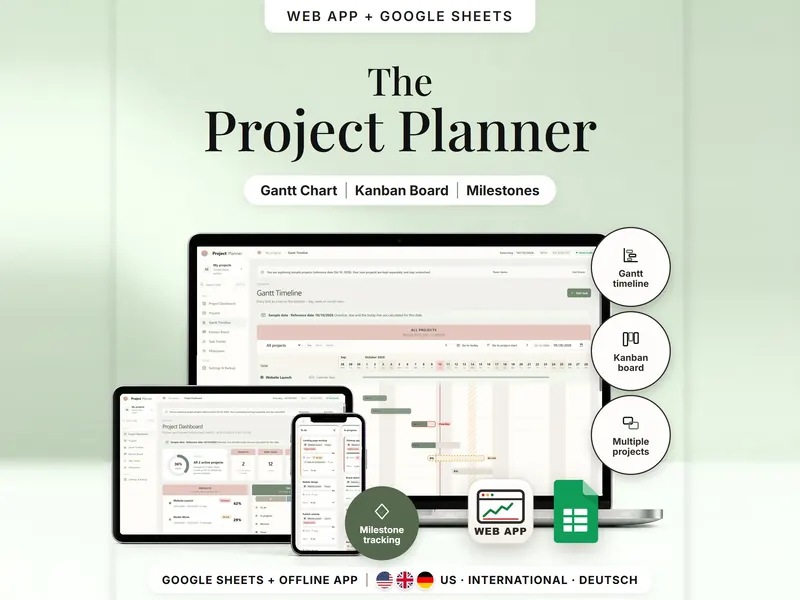
Plan several projects on a Gantt timeline and a Kanban board, both fed by one task list.
€8.98 for buyers in Germany, incl. 19% VATOne-time purchase · instant download
Etsy shows the final amount in your currency at checkout.
After payment, download your files in a web browser – Etsy → You → Purchases and reviews → Download files, or the link in Etsy's order email if you checked out as a guest. The Etsy app can't download files.
In short
Project Management Spreadsheet is a one-time download: an offline web app (no account needed) plus a separate Google Sheets™ template (free Google account) for planning several projects with phases, tasks and milestones – shown as a Gantt timeline, a Kanban board and a dashboard. No subscription.
A project plan gets confusing fast when the same task lives in three places – a date changes in one list, and the chart and the board no longer agree. Here each task exists once, in a single list, and the Gantt chart, Kanban board, dashboard and milestone list all read from it: change a date once and it's right everywhere. Use it as a Gantt and Kanban project tracker in Google Sheets or as a separate offline web app.
What it won't do is move your plan for you: a task planned too early only gets a warning. There are no notifications and no team features – it's made for one person.
The 15-second tour
The Gantt timeline on a laptop with two sample projects. Labels appear one by one: Gantt Timeline, Kanban Board, Multiple Projects, Milestone Tracking and Task Tracker. A card counts all projects: 15 tasks, 3 done, 1 overdue. Then the Kanban board (drag cards – dates stay put), the dashboard at 36% and the milestone timeline. It ends on: offline web app + Google Sheets, separate files, no syncing.
The video has no sound. · 15 s
Feature images
Real screenshots, sample data.
A single HTML file that opens in your browser, without an account or subscription
11 tabs, blank and with sample data, for 3 regions
US (week starts Sunday), International (UK, IE, AU, NZ, CA) and German (DE, AT, CH, ISO calendar weeks)
Setup instructions in English and German (PDF)
Two separate files – pick the one that fits how you work. They don't sync.
| Topic | Offline web app | Google Sheets |
|---|---|---|
| Where your data lives | In your browser, on this device | In your own copy in Google Drive |
| Account | Not needed | A free Google account |
| Works offline | Yes, once the file is open in your browser | Usually needs an internet connection |
| Kanban board | Drag a card or pick a status | Follows the Status column; no drag-and-drop |
| Gantt chart | Day, week and month view | Bars from your task dates, 60 columns wide |
| Where it lives | One browser on one device | Your own copy in your Google Drive |
| Undo, backup & CSV | Undo, backup file and CSV export | Google's version history |
They don't sync.
Check out on Etsy, then download your files in a web browser – not in the Etsy app.
The guide shows which web app file to open and has your Google Sheets copy links and the link for iPhone and iPad.
Open the web app in your browser, or make your own copy of the Google Sheets template, and add your first entry.
Project Management Spreadsheet
€8.98 for buyers in Germany, incl. 19% VATEtsy shows the final amount in your currency at checkout.
One-time purchase · instant download · offline web app + Google Sheets
| Device | Web app | Google Sheets |
|---|---|---|
| Windows or Mac computer | Open the HTML file in Chrome, Edge, Firefox or Safari | In your browser |
| Android phone or tablet | Open the file from Downloads with Chrome | Google Sheets app or browser |
| iPhone & iPad | Open the web-app link from your START HERE guide in Safari and add it to your Home Screen | Google Sheets app or browser |
| Edition | Format |
|---|---|
| US | 10/23/2026 · weeks start on Sunday |
| International (UK, IE, AU, NZ, CA) | 23/10/2026 · weeks start on Monday |
| German (DE, AT, CH) | 23.10.2026 · ISO calendar weeks · German labels |
No. If a task depends on one that finishes later, you see “Starts too early” and the earliest possible start. You decide whether to change the dates.
The web app needs no account – you open the file in your browser. The Google Sheets version needs a free Google account. Either way, there is no stillmeasure. account and no subscription.
In the web app, they're saved in your browser on that device, not in the HTML file – download a backup now and then. In Google Sheets, they're in your own copy in Google Drive. The two versions don't sync.
iPhone & iPad: open the web-app link from your START HERE guide in Safari and add it to your Home Screen. A downloaded HTML file on its own only opens as a preview on iPhone and iPad.
No. It's made for one person, and there are no team features.
No. Add your days off by hand – in Settings in the web app or on the Holidays tab in Google Sheets. Projects counted in workdays skip them.
No. There are no bank or app connections and no notifications – everything comes from what you enter.
It isn't supported. The spreadsheet is built for Google Sheets.
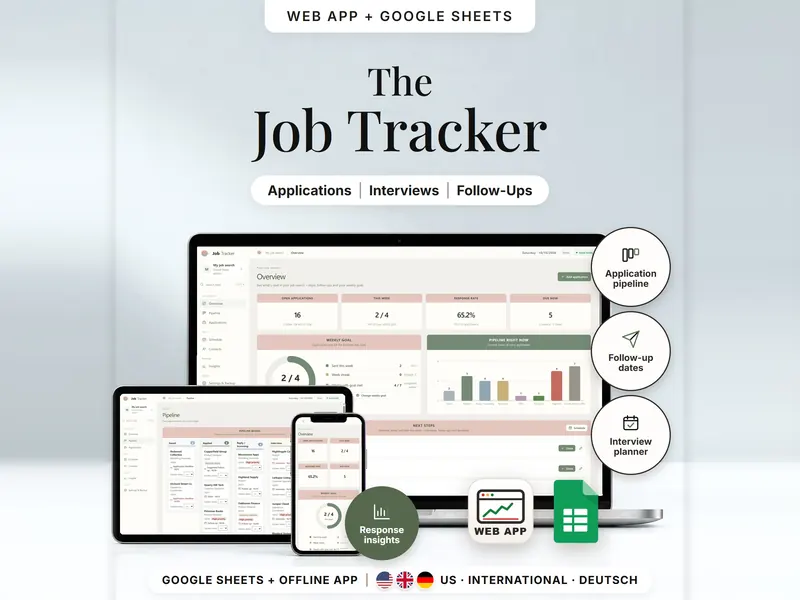
Plan one post for several channels and compare posting goals with what you published.
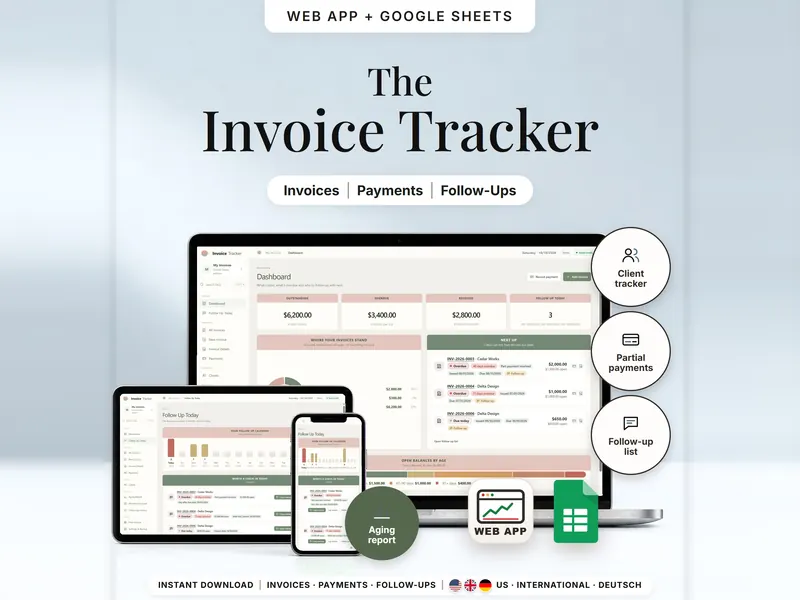
See which invoices are open, part paid or overdue per client – and who to check in with.
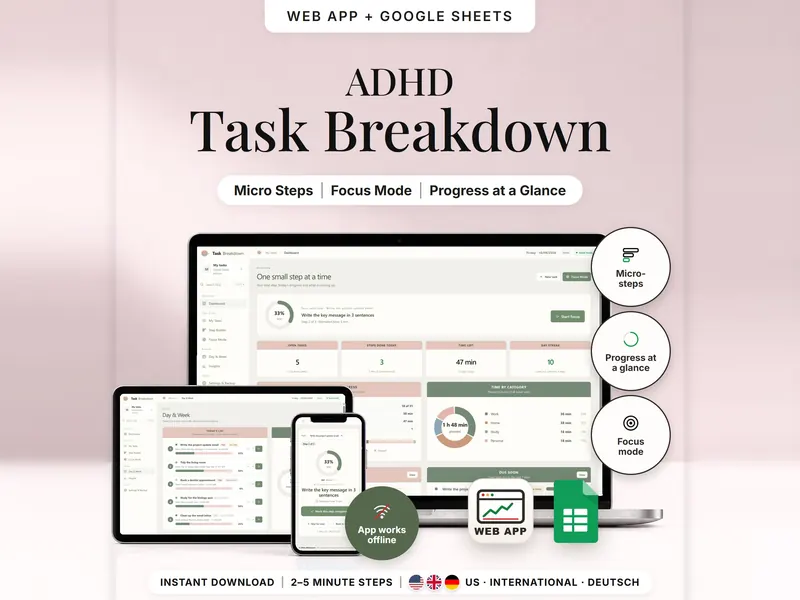
Break a big task into 2–5 minute steps and see only the next one in Focus Mode.
€8.98 for buyers in Germany, incl. 19% VAT
One-time purchase · instant download · offline web app + Google Sheets
Last updated: Oct 2026 · Version 1.0