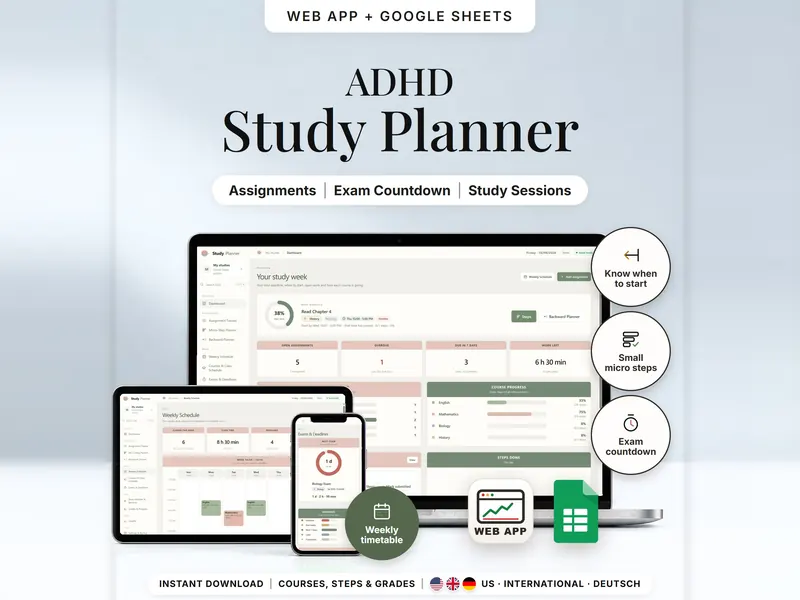
Assignment Tracker & Student Planner
Track assignments and exams, split them into small steps and see when to start each one.
- Web app + Sheets
- Made for ADHD brains
€6.99*

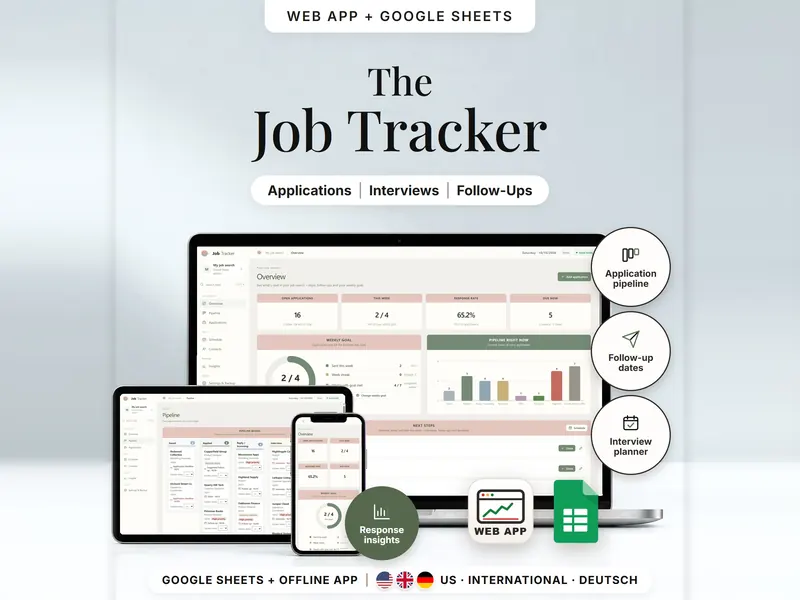
Applications, interviews and follow-ups, with every status change saved with its date.
€6.99 for buyers in Germany, incl. 19% VATOne-time purchase · instant download
Etsy shows the final amount in your currency at checkout.
After payment, download your files in a web browser – Etsy → You → Purchases and reviews → Download files, or the link in Etsy's order email if you checked out as a guest. The Etsy app can't download files.
In short
Job Application Tracker is a one-time download: an offline web app (no account needed) plus a separate Google Sheets™ template (free Google account) for keeping track of job applications, interviews, follow-ups and replies during a job search. No subscription.
A few weeks into a job search, it gets hard to remember who replied, when you applied and whether a follow-up is due. This job application tracker for Google Sheets and your browser keeps every application as a dated history: a status change adds a new entry instead of replacing the old one. The overview lists what's overdue, due today and later this week, a follow-up date is suggested a set number of days after you apply, and response rates only count applications older than an age you set (14 days by default).
It sends nothing – no emails, messages or reminders – and it doesn't search job boards or write résumés. The rates describe your own entries and predict nothing.
The 15-second tour
The overview on a laptop, under the line “Applications, interviews, follow-ups.” Labels appear one by one: Pipeline, Follow-Up Dates, Interviews, Response Rates and Weekly Goal. A small card explains the response rate: 23 applications at least 14 days old are counted, 15 have a response, so the rate is 65.2%. Then the pipeline board, one application's dated history and the insights. It ends with: offline web app + Google Sheets, three editions, separate files, no syncing.
The video has no sound. · 15 s
Feature images
Real screenshots, sample data.
A single HTML file that opens in your browser, without an account or subscription. It includes a sample job search with 30 applications over eight weeks (fictional companies), so you can see every page filled first.
9 tabs, blank and with sample data, for 3 regions
US, International (UK, IE, AU, NZ, CA) and German (German language)
Setup instructions in English and German (PDF)
Two separate files – pick the one that suits your routine. They don't sync.
| Topic | Offline web app | Google Sheets |
|---|---|---|
| Where your data lives | In your browser, on this device | In your own copy in Google Drive |
| Account | Not needed | A free Google account |
| Works offline | Yes, once the file is open in your browser | Usually needs an internet connection |
| Status changes | Update status adds a dated entry | One new row per change in the Status Log tab |
| Pipeline board | Cards per stage, each with a status menu | Not included – an applications list and the status log |
| Undo & backup | Undo, backup file with checksum, CSV export, print | Google's version history |
| Getting started | A guided setup in three short steps | Start with company and position in the Applications tab |
They don't sync.
Check out on Etsy, then download your files in a web browser – not in the Etsy app.
The guide shows which web app file to open and has your Google Sheets copy links and the link for iPhone and iPad.
Open the web app in your browser, or make your own copy of the Google Sheets template, and add your first entry.
Job Application Tracker
€6.99 for buyers in Germany, incl. 19% VATEtsy shows the final amount in your currency at checkout.
One-time purchase · instant download · offline web app + Google Sheets
| Device | Web app | Google Sheets |
|---|---|---|
| Windows or Mac computer | Open the HTML file in Chrome, Edge, Firefox or Safari | In your browser |
| Android phone or tablet | Open the file from Downloads with Chrome | Google Sheets app or browser |
| iPhone & iPad | Open the web-app link from your START HERE guide in Safari and add it to your Home Screen | Google Sheets app or browser |
| Edition | Format |
|---|---|
| US | English, dates like 10/10/2026, USD for salary details |
| International | UK, Ireland, Australia, New Zealand and Canada – dates like 10/10/2026, choose your currency |
| German | Germany, Austria and Switzerland – German texts, 10.10.2026, EUR |
No. Nothing is imported and nothing is sent. You add applications yourself and record a follow-up once you've reached out.
The web app needs no account – you open the file in your browser. The Google Sheets version needs a free Google account. Either way, there is no stillmeasure. account and no subscription.
In the web app, it's saved in your browser on that device – export a backup now and then. In Google Sheets, it's in your own copy in Google Drive. The two versions don't sync.
iPhone & iPad: open the web-app link from your START HERE guide in Safari and add it to your Home Screen. A downloaded HTML file on its own only opens as a preview on iPhone and iPad.
Rates appear once at least one application is older than the age you set – 14 days by default, in Settings.
Click Undo right away, or open the application and edit or remove that entry in its status history.
It isn't supported. The spreadsheet is made for Google Sheets.
Track assignments and exams, split them into small steps and see when to start each one.
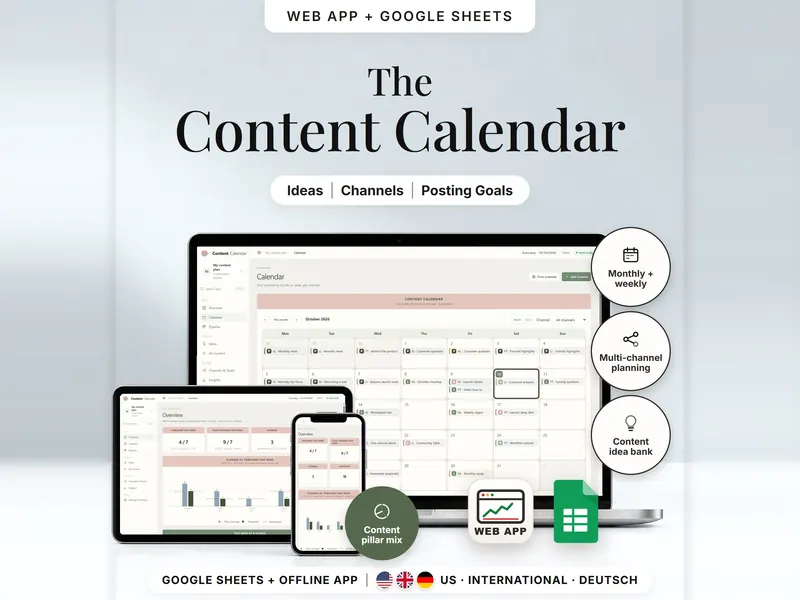
Plan one post for several channels and compare posting goals with what you published.
€6.99 for buyers in Germany, incl. 19% VAT
One-time purchase · instant download · offline web app + Google Sheets
Last updated: Oct 2026 · Version 1.0