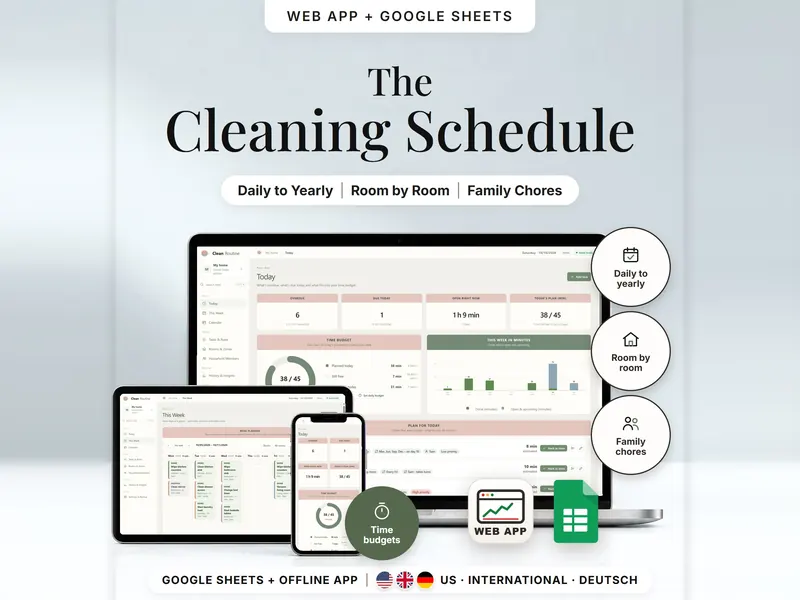
Cleaning Schedule
Recurring chores by room, a daily plan in your time budget, split among household members.
- Web app + Sheets
€6.99*

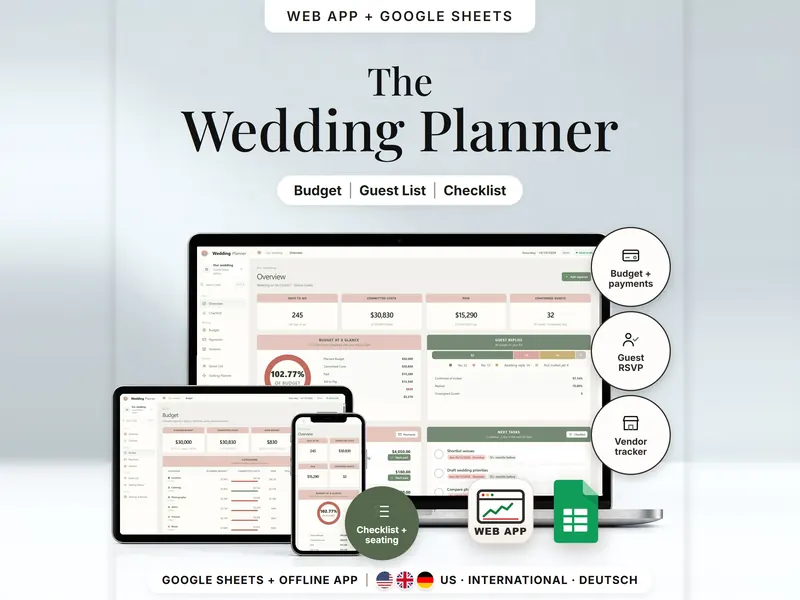
Wedding budget, deposits and balances, guest replies, a table plan and a dated checklist.
€8.98 for buyers in Germany, incl. 19% VATOne-time purchase · instant download
Etsy shows the final amount in your currency at checkout.
After payment, download your files in a web browser – Etsy → You → Purchases and reviews → Download files, or the link in Etsy's order email if you checked out as a guest. The Etsy app can't download files.
In short
Wedding Planner is a one-time download: an offline web app (no account needed) plus a separate Google Sheets™ template (free Google account) for your wedding budget, vendor payments, guest list, seating and a checklist dated from your wedding day. No subscription.
Wedding plans tend to spread across quotes, emails and notes. This planner keeps the numbers in one place. Every expense has a stage – Estimate, Quoted or Booked – and only booked costs count as committed, so your budget shows what is really agreed. Deposits and final balances get due dates, guests are counted one person at a time, confirmed guests go to tables, and 45 suggested tasks are dated back from your wedding day. Use it as an offline web app or as a wedding planner spreadsheet in Google Sheets.
It records what you enter. It doesn't pay vendors, contact your guests or give them a reply page, and it has no reminders. Budget splits and task timings are suggestions you can change.
An organizing tool – not financial, tax or legal advice.
The 15-second tour
The web app's overview on a laptop, under the title Wedding Planner. Labels appear one by one: Budget, Payments, Vendors, Guest List and Checklist. A small card works through one expense: a photography package booked at $3,000, minus a $1,200 deposit, leaves $1,800 still to pay – only booked costs count as committed. Then every budget category, deposits and final payments, and guests and seating. It ends with: offline web app + Google Sheets, three editions, no syncing.
The video has no sound. · 15 s
Feature images
Real screenshots, sample data.
A single HTML file that opens in your browser, without an account or subscription
11 tabs, blank and with sample data, for 3 regions
US (USD), International (UK, IE, AU, NZ, CA – GBP, EUR, AUD, CAD, NZD and more) and German (EUR, German language)
Setup instructions in English and German (PDF)
12 budget categories, 35 expenses, 40 payments, 60 guests in 35 households, 6 tables and 45 tasks, so you can see every page filled before you start
Two separate files – plan in the one that suits you. They don't sync.
| Topic | Offline web app | Google Sheets |
|---|---|---|
| Where your data lives | In your browser, on this device | In your own copy in Google Drive |
| Account | Not needed | A free Google account |
| Works offline | Yes, once the file is open in your browser | Usually needs an internet connection |
| Layout | Overview, Checklist, Budget, Payments, Vendors, Guest List, Seating Planner | 11 tabs, from Start and Dashboard to Tables, Checklist and Lists |
| Getting started | Guided setup and a sample wedding | Date, budget and guests in the Start tab; blank or sample copy |
| Undo & backup | Undo, backup file with a checksum, CSV export | Google's version history |
They don't sync.
Check out on Etsy, then download your files in a web browser – not in the Etsy app.
The guide shows which web app file to open and has your Google Sheets copy links and the link for iPhone and iPad.
Open the web app in your browser, or make your own copy of the Google Sheets template, and add your first entry.
Wedding Planner
€8.98 for buyers in Germany, incl. 19% VATEtsy shows the final amount in your currency at checkout.
One-time purchase · instant download · offline web app + Google Sheets
| Device | Web app | Google Sheets |
|---|---|---|
| Windows or Mac computer | Open the HTML file in Chrome, Edge, Firefox or Safari | In your browser |
| Android phone or tablet | Open the file from Downloads with Chrome | Google Sheets app or browser |
| iPhone & iPad | Open the web-app link from your START HERE guide in Safari and add it to your Home Screen | Google Sheets app or browser |
| Edition | Format |
|---|---|
| US | 10/11/2026, US dollars |
| International | UK, Ireland, Australia, New Zealand, Canada – 11/10/2026, pounds by default, also EUR, AUD, CAD, NZD and more |
| German | Germany, Austria, Switzerland – 11.10.2026, euros, German labels |
No. It doesn't move any money and has no bank connection. You record each payment yourself and mark it as paid.
No. There is no reply page and no invitation email. You record each person's reply yourself – Yes, No or Awaiting reply.
The web app needs no account – you open the file in your browser. The Google Sheets version needs a free Google account. There is no stillmeasure. account and no subscription.
In the web app, in your browser on that device – not inside the HTML file; to switch devices, export a backup and restore it there. In Google Sheets, it's in your own copy in Google Drive. The two versions don't sync.
iPhone & iPad: open the web-app link from your START HERE guide in Safari and add it to your Home Screen. A downloaded HTML file on its own only opens as a preview on iPhone and iPad.
Committed means booked. Estimates and quotes are shown separately until you set the stage to Booked.
No. Postal addresses aren't needed or stored – the guest list holds names, replies, meal choices and tables.
It isn't supported. The spreadsheet is built and tested for Google Sheets.
Recurring chores by room, a daily plan in your time budget, split among household members.
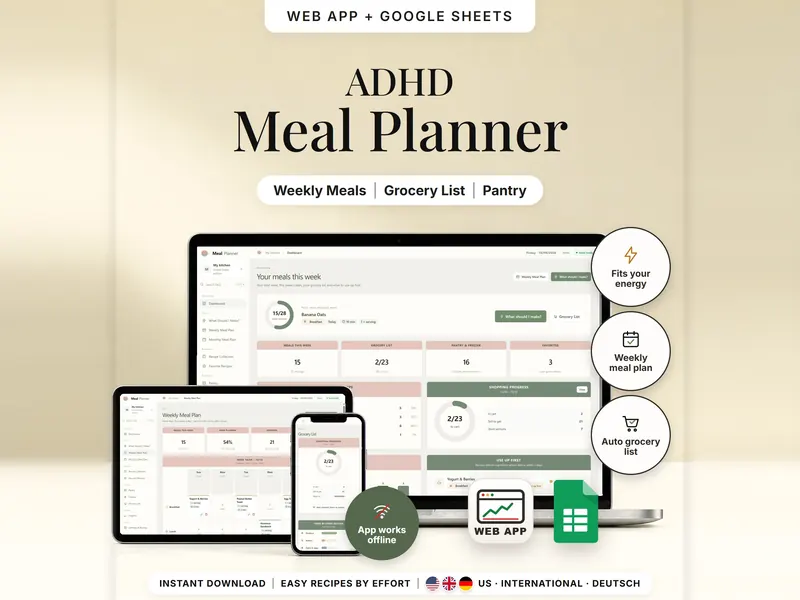
Pick easy meals by energy and time; the grocery list subtracts what you have.
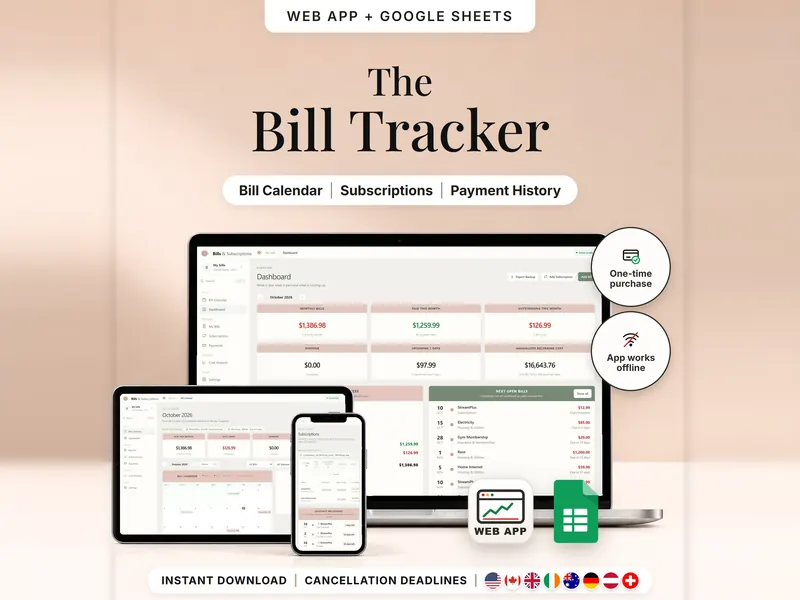
Every bill, renewal and last day to cancel on one calendar – mark what's paid.
€8.98 for buyers in Germany, incl. 19% VAT
One-time purchase · instant download · offline web app + Google Sheets
Last updated: Oct 2026 · Version 1.0