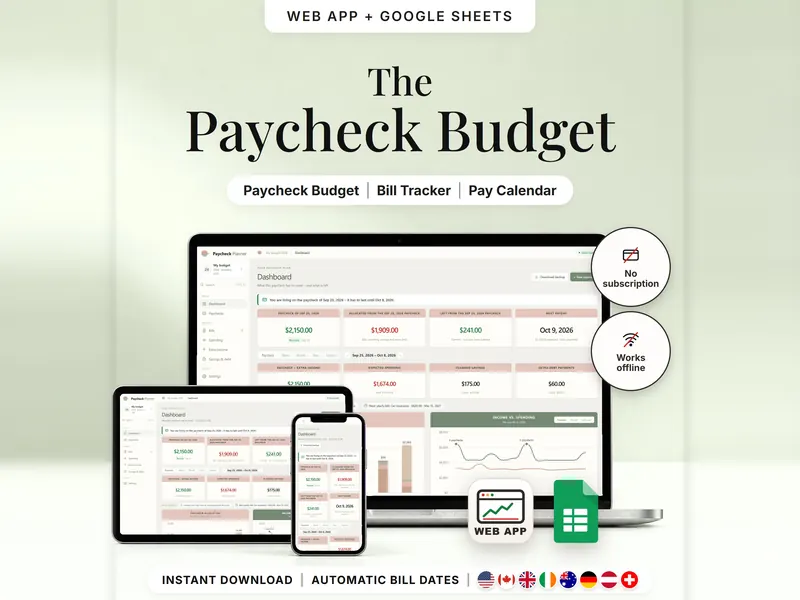
Paycheck Budget Planner
Plan bills, spending and savings by payday and see what's left until the next one.
- Web app + Sheets
€6.99*

Budget & Money
Budget spreadsheet templates for everyday money: plan each paycheck, split your income 50/30/20, keep bills and subscriptions on one calendar, compare debt payoff orders or follow your net worth. Every planner comes as an offline web app and a template for Google Sheets™ – a one-time purchase, no subscription. There is no bank login: every number comes from what you enter.
Plan bills, spending and savings by payday and see what's left until the next one.
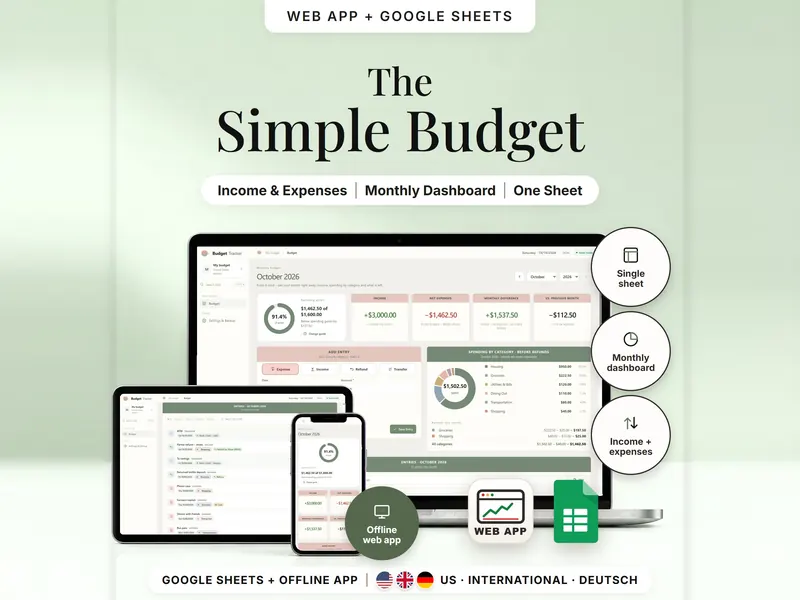
Record income and expenses and see your month and your year on one sheet.
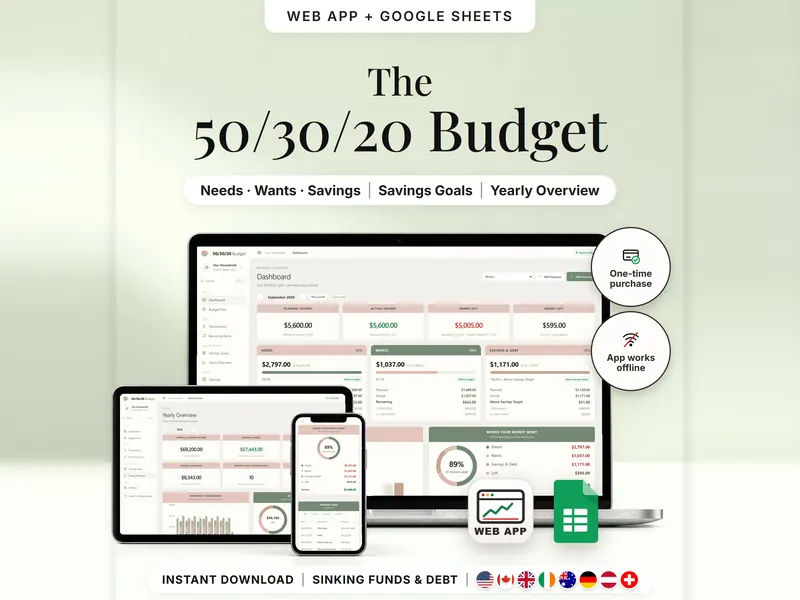
Split income into needs, wants and savings and compare the plan with real spending.
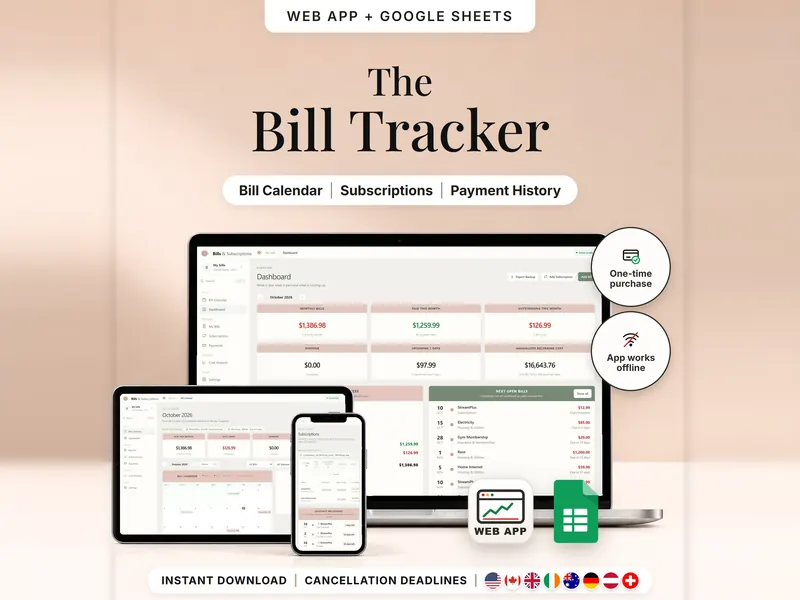
Every bill, renewal and last day to cancel on one calendar – mark what's paid.
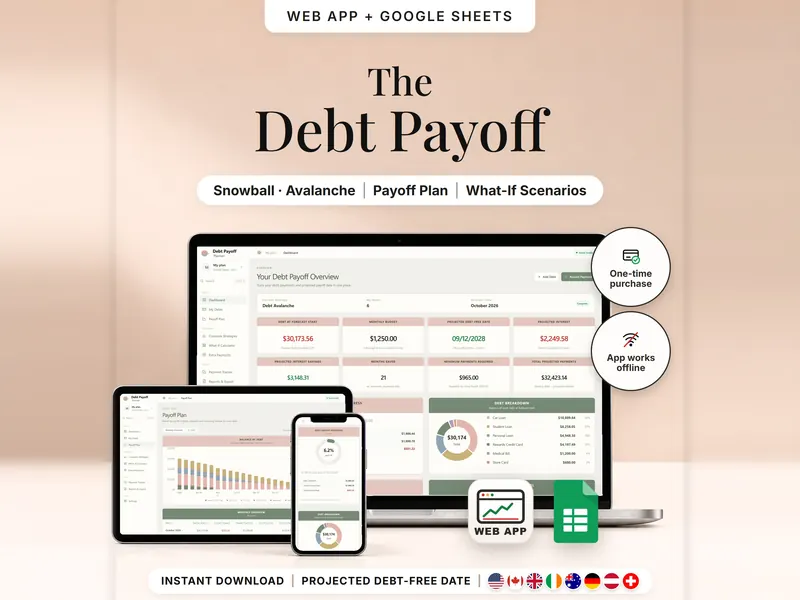
Compare snowball, avalanche and your own order, then track what you actually paid.
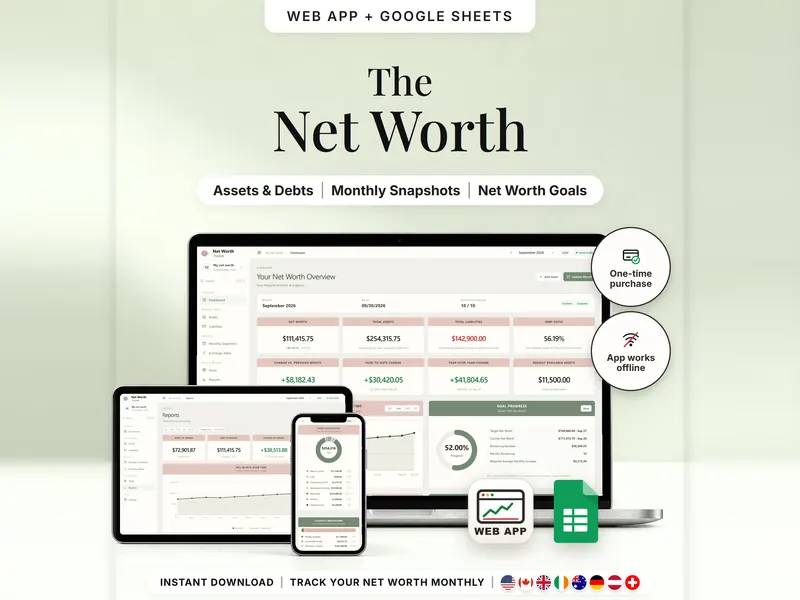
List what you own and owe, update once a month and see your net worth over time.
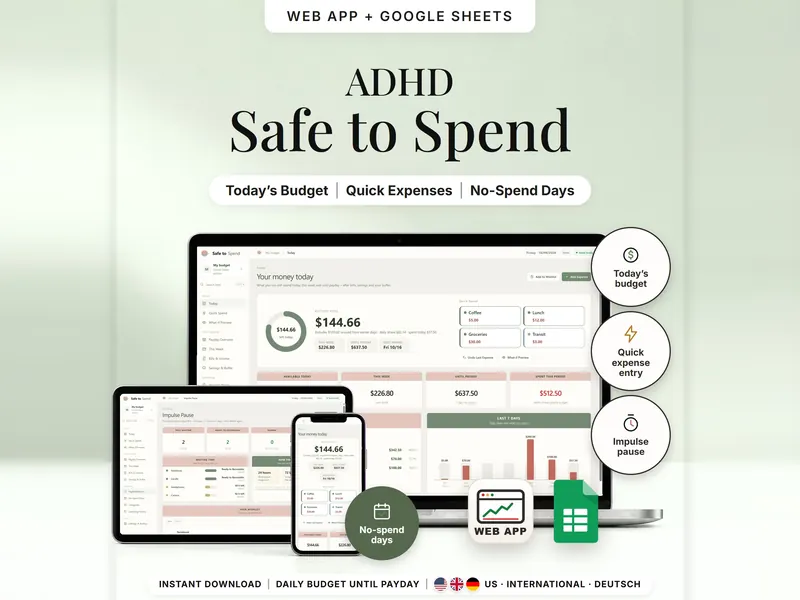
Your money until payday as one daily amount – after bills, savings and a buffer.
An organizing tool – not financial, tax or legal advice.
| If you … | Look at |
|---|---|
| Paid weekly or every two weeks and want to plan each paycheck? | Paycheck Budget Planner |
| Want one simple record of what came in and what went out? | Budget Spreadsheet |
| Want to split your income into needs, wants and savings? | 50/30/20 Budget Planner |
| Want every bill and subscription on one calendar? | Bills & Subscriptions Organizer |
| Paying off several debts and want to compare payoff orders? | Debt Payoff Planner |
| Want to see what you own and owe, month by month? | Net Worth Tracker |
| Want one daily amount until payday, after bills and a buffer? | Safe-to-Spend Budget Tracker |
No. There's no bank login and no automatic import. Every number comes from what you enter yourself – the planners never see your bank accounts.
If you're paid every week or every two weeks, the Paycheck Budget Planner plans each paycheck. For one simple record of what came in and what went out, start with the Budget Spreadsheet. The table above helps with the rest.
No. Each planner works as an offline web app on its own. The Google Sheets version is included and needs a free Google account. The two don't sync, so pick the one you like.
No. These are organizing tools: they show and calculate what you enter, and payoff dates or daily amounts are estimates from your own numbers. They don't tell you what to do with your money.