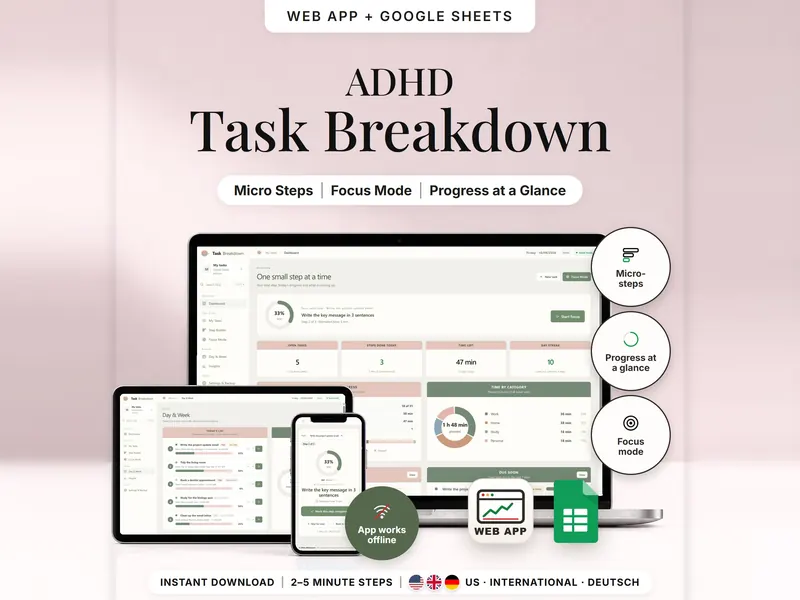
Task Breakdown Planner
Break a big task into 2–5 minute steps and see only the next one in Focus Mode.
- Web app + Sheets
- Made for ADHD brains
€4.99*

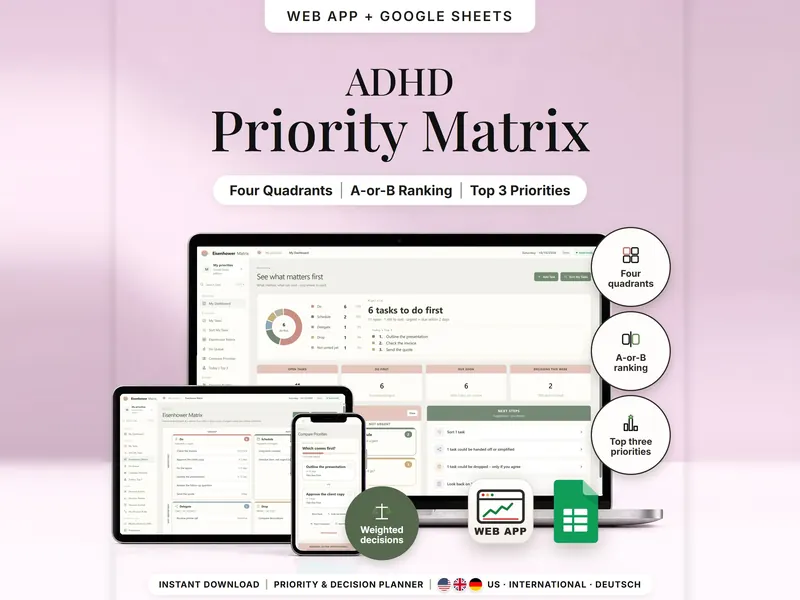
Sort tasks into Do, Schedule, Delegate or Drop and find your top 3, two tasks at a time.
€4.99 for buyers in Germany, incl. 19% VATOne-time purchase · instant download
Etsy shows the final amount in your currency at checkout.
After payment, download your files in a web browser – Etsy → You → Purchases and reviews → Download files, or the link in Etsy's order email if you checked out as a guest. The Etsy app can't download files.
In short
Eisenhower Matrix Planner is a one-time download: an offline web app (no account needed) plus a separate Google Sheets™ template (free Google account) for sorting tasks by urgency and importance, ranking what comes first and weighing bigger decisions with your own criteria. No subscription.
When everything feels urgent, a long to-do list stops helping. This Eisenhower matrix template asks two questions per task – is it important to you, and is it urgent? – and places it in Do, Schedule, Delegate or Drop, by name and count, not by color alone. Too many tasks in Do? The web app shows them two at a time and builds the ranking from your answers, so your top 3 are clear. Bigger choices get your own criteria, weights and a score from 0 to 100, plus a journal for what you chose and why.
It doesn't decide for you. Every quadrant, rank and score comes from your answers and fixed rules explained on the Help page. Nothing is deleted, handed off or moved on its own – Delegate and Drop are only suggestions.
An organizing tool – not a medical tool.
The 15-second tour
The web app on a laptop, titled ADHD Eisenhower Matrix. First Sort My Tasks with its two questions, then a card with two decision scores, 78.00 and 76.00, and their 2.00 gap. Next the four-quadrant matrix, Today's Top 3 and the weighted decision results. Labels appear one by one: Urgent vs. Important, 4-Quadrant Matrix, A-or-B Top 3, Weighted Choices, Decision Journal. The last card: offline web app + Google Sheets, three editions, no syncing.
The video has no sound. · 15 s
Feature images
Real screenshots, sample data.
A single HTML file that opens in your browser, without an account or subscription
Blank and with sample data, for 3 regions
US, International and German (DACH)
Setup instructions in English and German (PDF)
Both versions sort tasks into four quadrants and score decisions. Two separate files – pick the one that fits how you work. They don't sync.
| Topic | Offline web app | Google Sheets |
|---|---|---|
| Where your data lives | In your browser, on this device | In your own copy in Google Drive |
| Account | Not needed | A free Google account |
| Works offline | Yes | Usually needs an internet connection |
| Ranking your Do tasks | Interactive A-or-B comparison | Manual rank numbers 1, 2, 3 … |
| Quadrants and decision scores | Calculated as you answer | Calculated with formulas |
| Checks | Help page explains every rule | ⚠ in the Check column flags an entry |
| Backup | JSON backup file with a check value | Google's version history |
They don't sync.
Check out on Etsy, then download your files in a web browser – not in the Etsy app.
The guide shows which web app file to open and has your Google Sheets copy links and the link for iPhone and iPad.
Open the web app in your browser, or make your own copy of the Google Sheets template, and add your first entry.
Eisenhower Matrix Planner
€4.99 for buyers in Germany, incl. 19% VATEtsy shows the final amount in your currency at checkout.
One-time purchase · instant download · offline web app + Google Sheets
| Device | Web app | Google Sheets |
|---|---|---|
| Windows or Mac computer | Open the HTML file in Chrome, Edge, Firefox or Safari | In your browser |
| Android phone or tablet | Open the file from Downloads with Chrome | Google Sheets app or browser |
| iPhone & iPad | Open the web-app link from your START HERE guide in Safari and add it to your Home Screen | Google Sheets app or browser |
| Edition | Format |
|---|---|
| US | 10/11/2026, 12-hour clock, week starts Sunday |
| International | 11/10/2026, 24-hour clock, week starts Monday, UK English |
| German | 11.10.2026, 24-Stunden-Uhr, Woche ab Montag |
No. It sorts and calculates from your answers with fixed rules. You make every choice, even against the highest score.
The web app needs no account. The Google Sheets version needs a free Google account. There is no stillmeasure. account and no subscription.
In the web app, in your browser on that device, not inside the HTML file – use the same file in the same browser and export a backup now and then. In Google Sheets, in your own copy in Google Drive. The two versions don't sync.
iPhone & iPad: open the web-app link from your START HERE guide in Safari and add it to your Home Screen. A downloaded HTML file on its own only opens as a preview on iPhone and iPad.
Yes, with manual rank numbers: you give your Do tasks the ranks 1, 2, 3 and so on. The A-or-B comparison is a web app feature.
No. There are no notifications or background reminders. Due dates show in the matrix, the Do queue and on the dashboard.
It isn't supported. The spreadsheet version is built for Google Sheets.
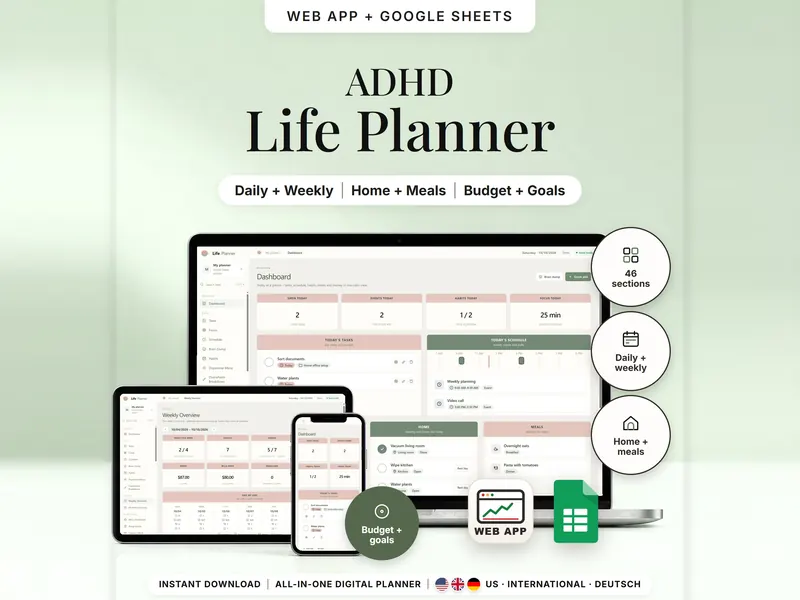
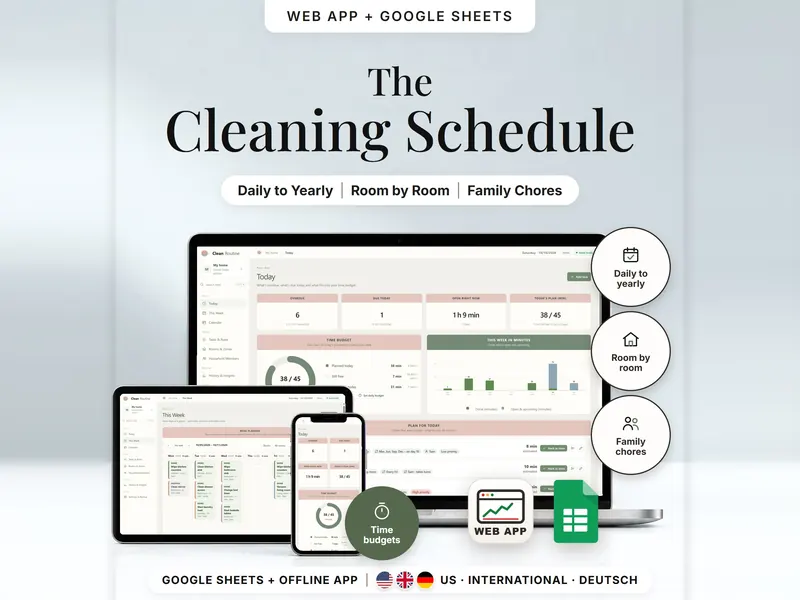
Break a big task into 2–5 minute steps and see only the next one in Focus Mode.
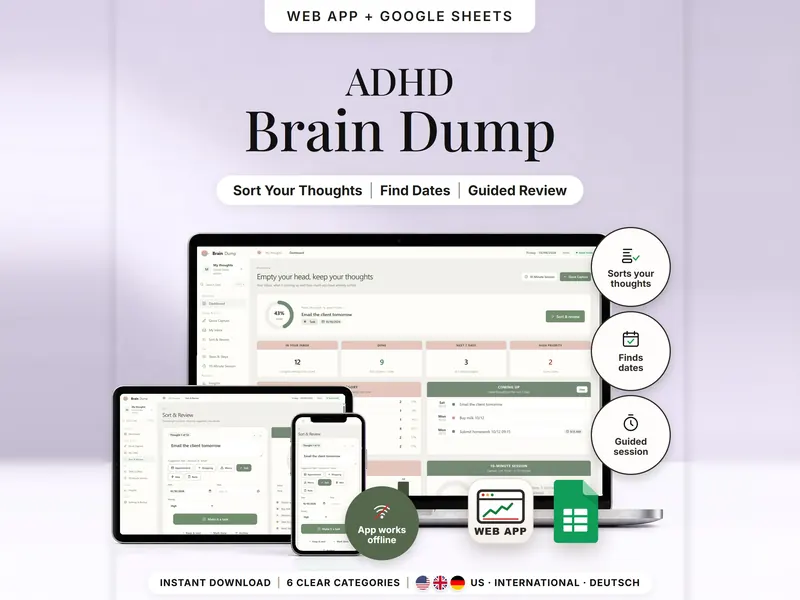
Write one thought per line and see it sorted into six categories, with dates picked up.
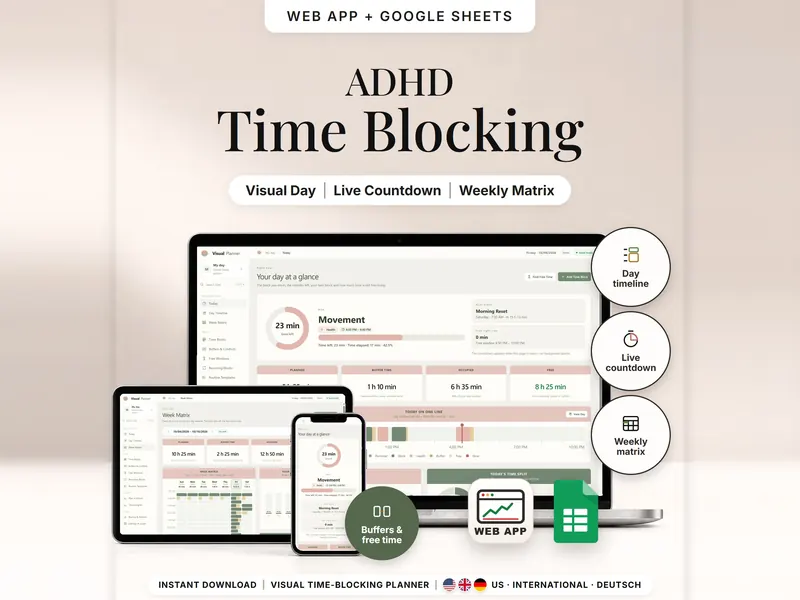
See your day as time blocks drawn to scale, with minutes left, buffers and free time.
€4.99 for buyers in Germany, incl. 19% VAT
One-time purchase · instant download · offline web app + Google Sheets
Last updated: Oct 2026 · Version 1.0