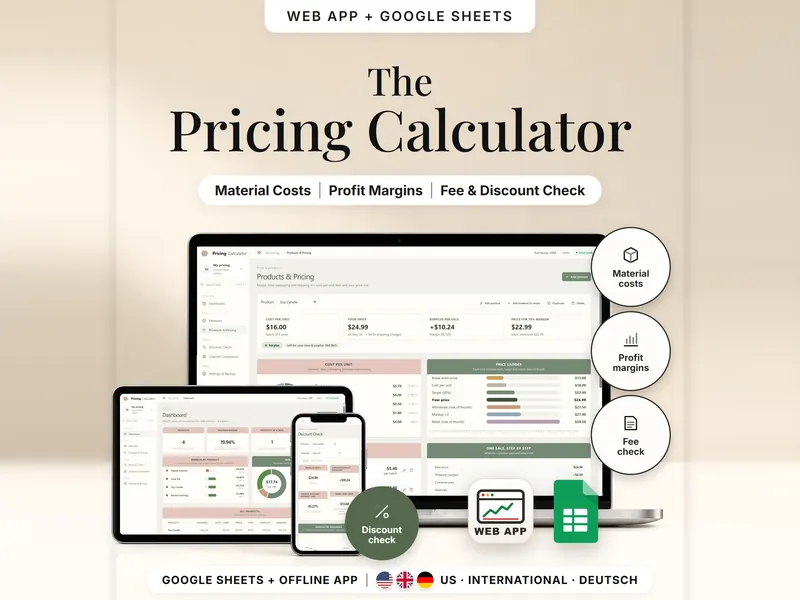
Pricing Calculator
Work out your cost per unit and the price that reaches your target margin after fees.
- Web app + Sheets
€6.99*

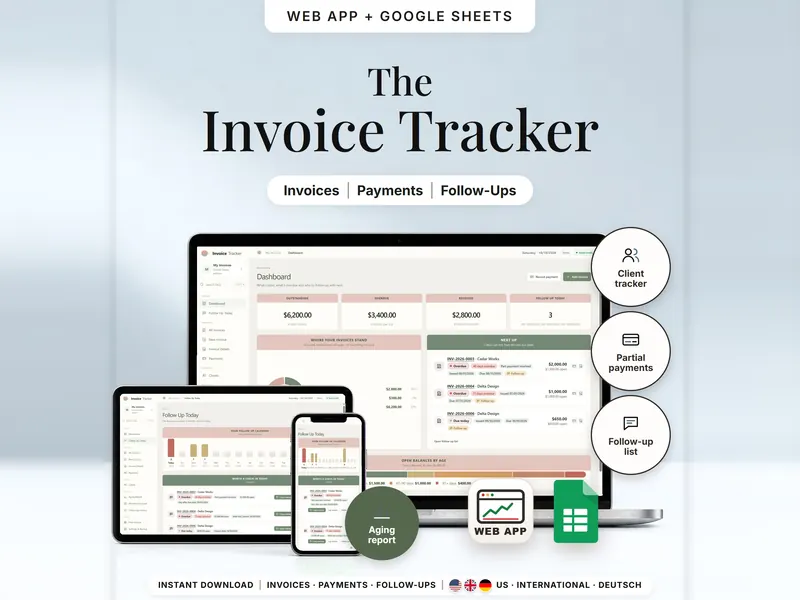
See which invoices are open, part paid or overdue per client – and who to check in with.
€6.99 for buyers in Germany, incl. 19% VATOne-time purchase · instant download
Etsy shows the final amount in your currency at checkout.
After payment, download your files in a web browser – Etsy → You → Purchases and reviews → Download files, or the link in Etsy's order email if you checked out as a guest. The Etsy app can't download files.
In short
Invoice Tracker is a one-time download: an offline web app (no account needed) plus a separate Google Sheets™ template (free Google account) for tracking invoices, part payments, credits and overdue balances per client, with a short list of invoices worth a check-in today. No subscription.
Writing an invoice is quick. Keeping track of it afterwards is harder: which ones are still open, which were only partly paid, and when to ask again. Log each invoice, record payments and credits as they come in, and the tracker shows outstanding, overdue and received amounts per client, an aging report and a short follow-up list for today. Use it as an invoice tracker in Google Sheets or as an offline web app.
It doesn't send anything for you. Follow-up messages are ready to copy and send yourself, there is no bank connection, and it doesn't keep your books or handle taxes. The printable layout is a basic template – you check the required invoice details yourself.
An organizing tool – not financial, tax or legal advice.
The 15-second tour
The dashboard on a laptop: $6,200.00 outstanding, $3,400.00 overdue, $2,800.00 received. Labels appear one by one: Client Tracker, Part Payments, Follow-Up List, Aging Report and Printable Layout. A card works out invoice INV-2026-0002: $800.00 total minus a $300.00 part payment. Then Follow Up Today, the invoice with $500.00 still open and the aging report. It ends on: offline web app + Google Sheets, separate files, no syncing.
The video has no sound. · 15 s
Feature images
Real screenshots, sample data.
A single HTML file that opens in your browser, without an account or subscription
Blank and with sample data, for 3 regions
US, International (UK, IE, AU, NZ, CA) and German (DE, AT, CH)
Setup instructions in English and German (PDF)
Two separate files – pick the one that fits how you work. They don't sync.
| Topic | Offline web app | Google Sheets |
|---|---|---|
| Where your data lives | In your browser, on this device | In your own copy in Google Drive |
| Account | Not needed | A free Google account |
| Works offline | Yes, once the file is open in your browser | Usually needs an internet connection |
| Layout & size | Pages for invoices, clients, reports and printing | Tabs for the same parts; room for 300 invoices, 750 payments, 100 clients |
| Follow-ups | Daily list plus three messages ready to copy | Follow-up tab with today's check-ins |
| Undo & backup | Undo, plus a backup file to move devices | Google's version history |
| Printable invoice | Print Invoice page with a checklist | Print sheet |
They don't sync.
Check out on Etsy, then download your files in a web browser – not in the Etsy app.
The guide shows which web app file to open and has your Google Sheets copy links and the link for iPhone and iPad.
Open the web app in your browser, or make your own copy of the Google Sheets template, and add your first entry.
Invoice Tracker
€6.99 for buyers in Germany, incl. 19% VATEtsy shows the final amount in your currency at checkout.
One-time purchase · instant download · offline web app + Google Sheets
| Device | Web app | Google Sheets |
|---|---|---|
| Windows or Mac computer | Open the HTML file in Chrome, Edge, Firefox or Safari | In your browser |
| Android phone or tablet | Open the file from Downloads with Chrome | Google Sheets app or browser |
| iPhone & iPad | Open the web-app link from your START HERE guide in Safari and add it to your Home Screen | Google Sheets app or browser |
| Edition | Format |
|---|---|
| US | 10/11/2026 · USD |
| International (UK, IE, AU, NZ, CA) | 11/10/2026 · GBP, EUR, AUD, CAD or NZD |
| German (DE, AT, CH) | 11.10.2026 · EUR or CHF · German labels |
No. There's no bank connection and nothing is sent for you: you copy a follow-up message, send it from your own email or phone and log the contact.
The web app needs no account – you open the file in your browser. The Google Sheets version needs a free Google account. There is no stillmeasure. account and no subscription.
In the web app, invoices are saved in your browser on that device, not in the HTML file – export a backup now and then. In Google Sheets, they're in your own copy in Google Drive. The two versions don't sync.
iPhone & iPad: open the web-app link from your START HERE guide in Safari and add it to your Home Screen. A downloaded HTML file on its own only opens as a preview on iPhone and iPad.
No. It tracks invoices and payments – it doesn't keep your books, prepare tax returns or give tax or legal advice. A tax rate is optional, and you choose it.
Yes. Invoices in other currencies are listed separately and never converted or added to your main totals.
It isn't supported. The spreadsheet is built for Google Sheets.
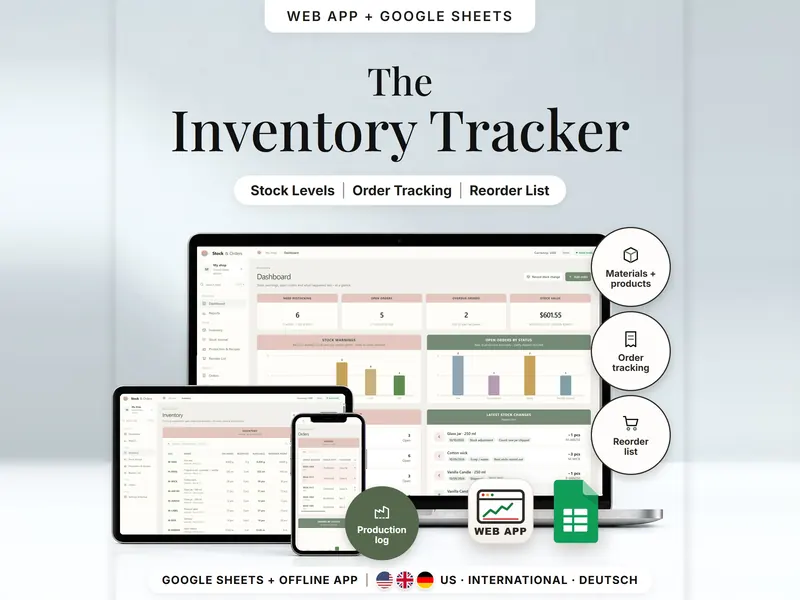
Work out your cost per unit and the price that reaches your target margin after fees.
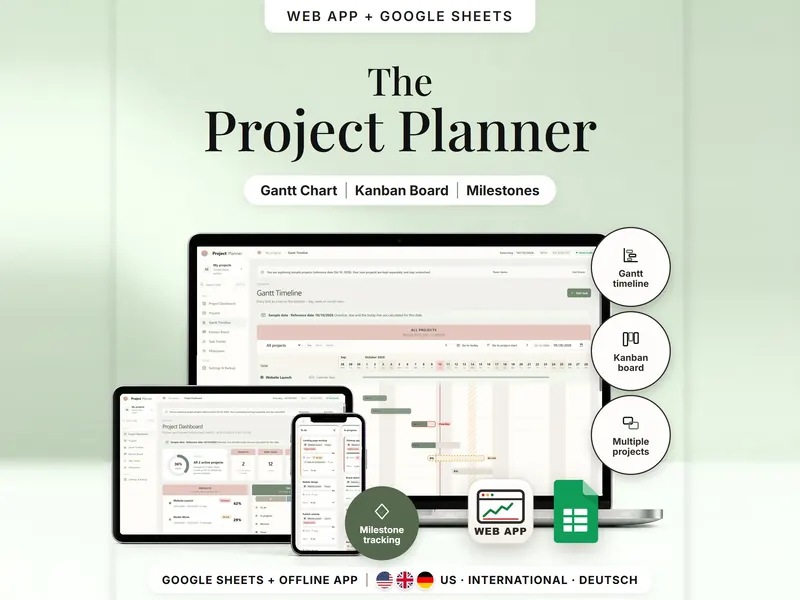
Plan several projects on a Gantt timeline and a Kanban board, both fed by one task list.
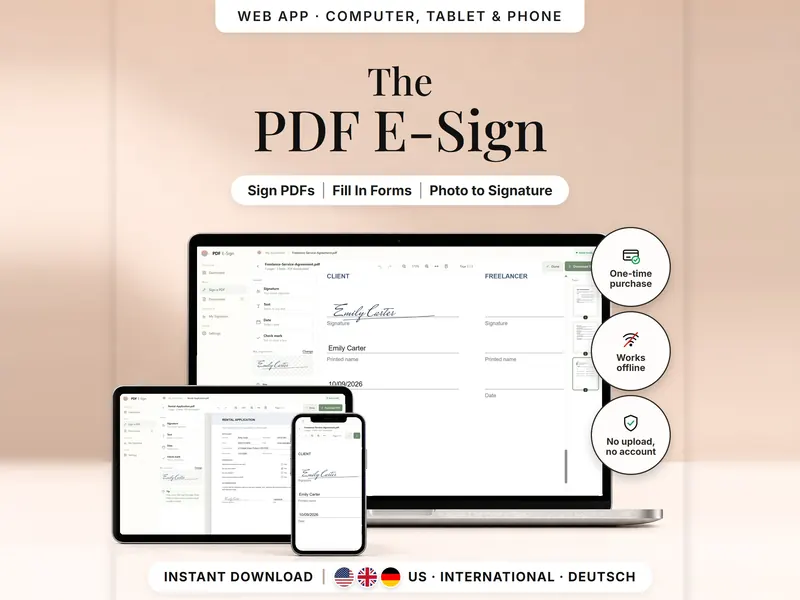
Add your signature, text, dates and check marks to a PDF and download a signed copy.
€6.99 for buyers in Germany, incl. 19% VAT
One-time purchase · instant download · offline web app + Google Sheets
Last updated: Oct 2026 · Version 1.0