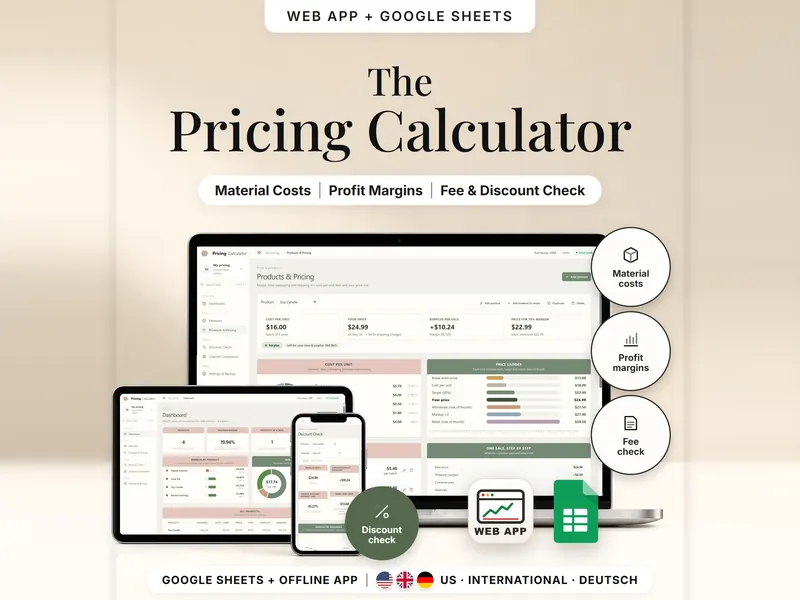
Pricing Calculator
Work out your cost per unit and the price that reaches your target margin after fees.
- Web app + Sheets
€6.99*

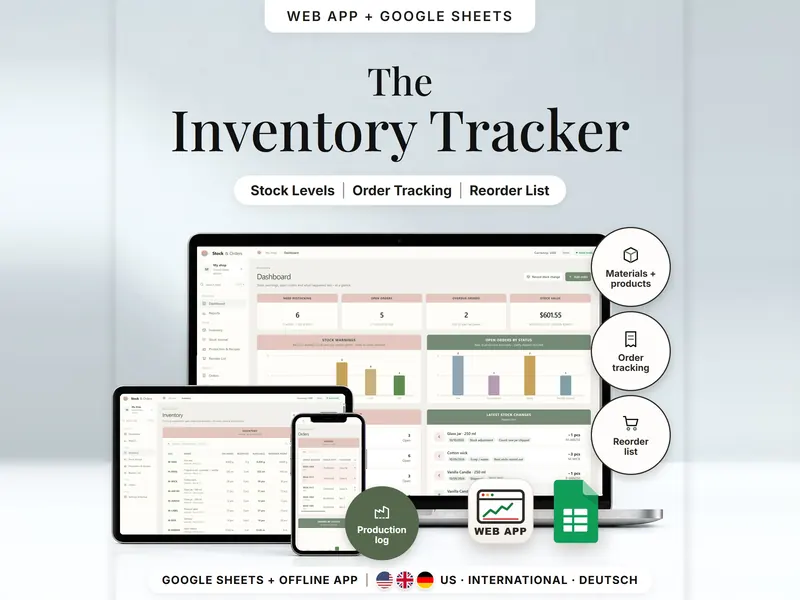
See what's on hand, reserved for orders and free to sell – and what to reorder.
€6.99 for buyers in Germany, incl. 19% VATOne-time purchase · instant download
Etsy shows the final amount in your currency at checkout.
After payment, download your files in a web browser – Etsy → You → Purchases and reviews → Download files, or the link in Etsy's order email if you checked out as a guest. The Etsy app can't download files.
In short
Inventory & Order Tracker is a one-time download: an offline web app (no account needed) plus a separate Google Sheets™ template (free Google account) for tracking materials, finished products and customer orders in a small handmade shop. No subscription.
A count on the shelf can mislead: three candles may already belong to an open order. This handmade inventory spreadsheet keeps materials, finished products and orders together. Stock is never typed over – it adds up every receipt, batch, shipment, return and correction, and open orders reserve finished pieces, so you see what is still free to sell. Recording a batch takes the materials out by recipe, and the reorder list shows how much brings each item back to your target stock.
You type in orders yourself. There is no Etsy or Shopify connection and no automatic order import, no invoices, accounting or shipping labels, and nothing is sent to your customers.
The 15-second tour
The inventory page on a laptop, under the line “Stock, materials and handmade orders.” Labels appear one by one: Stock Levels, Materials, Order Tracking, Reorder List and Production Log. A small card works out one candle: 16 pcs on hand minus 4 reserved for orders leaves 12 available. Then the orders list with ship-by dates, the reorder list and an order shipped in parts. It ends with: offline web app + Google Sheets, three editions, separate files, no syncing.
The video has no sound. · 15 s
Feature images
Real screenshots, sample data.
A single HTML file that opens in your browser, without an account or subscription. It includes a sample candle shop with 14 items and 12 orders, so you can see every page filled before you start.
13 tabs, blank and with sample data, for 3 regions
US ($), International (£, €, CA$, A$, NZ$, US$, CHF) and German (€, CHF; German language)
Setup instructions in English and German (PDF)
Two separate files – pick the one that fits your shop. They don't sync.
| Topic | Offline web app | Google Sheets |
|---|---|---|
| Where your data lives | In your browser, on this device | In your own copy in Google Drive |
| Account | Not needed | A free Google account |
| Works offline | Yes, once the file is open in your browser | Usually needs an internet connection |
| Stock figures | From every stock change you record | A Ledger tab calculated from manual moves, production and fulfillment |
| Production | One step, blocked if material is short | Paste the recipe as values in the Production tab |
| Mistakes | Reverse the line – the original stays visible | Check columns point out what to fix |
| Backup & export | Backup file with checksum, CSV export, undo | Google's version history |
They don't sync.
Check out on Etsy, then download your files in a web browser – not in the Etsy app.
The guide shows which web app file to open and has your Google Sheets copy links and the link for iPhone and iPad.
Open the web app in your browser, or make your own copy of the Google Sheets template, and add your first entry.
Inventory & Order Tracker
€6.99 for buyers in Germany, incl. 19% VATEtsy shows the final amount in your currency at checkout.
One-time purchase · instant download · offline web app + Google Sheets
| Device | Web app | Google Sheets |
|---|---|---|
| Windows or Mac computer | Open the HTML file in Chrome, Edge, Firefox or Safari | In your browser |
| Android phone or tablet | Open the file from Downloads with Chrome | Google Sheets app or browser |
| iPhone & iPad | Open the web-app link from your START HERE guide in Safari and add it to your Home Screen | Google Sheets app or browser |
| Edition | Format |
|---|---|
| US | English, US dollars, dates like 10/10/2026 |
| International | UK, Ireland, Australia, New Zealand and Canada – £, €, CA$, A$, NZ$, US$ or CHF, dates like 10/10/2026 |
| German | Germany, Austria and Switzerland – German texts, € or CHF, 10.10.2026 |
No. You enter orders by hand and nothing is imported automatically. In Google Sheets you can paste suitable order data from a CSV after checking and matching the columns.
The web app needs no account – you open the file in your browser. The Google Sheets version needs a free Google account. Either way, there is no stillmeasure. account and no subscription.
In the web app, it's saved in your browser on that device – export a backup now and then. In Google Sheets, it's in your own copy in Google Drive. The two versions don't sync.
iPhone & iPad: open the web-app link from your START HERE guide in Safari and add it to your Home Screen. A downloaded HTML file on its own only opens as a preview on iPhone and iPad.
An order only reserves finished stock. It leaves the shelf when you record the shipment, so a cancelled order never needs a correction.
More units are reserved than are available. Nothing is changed for you – make more, record a receipt or adjust the order.
It isn't supported. The spreadsheet is made for Google Sheets.
Work out your cost per unit and the price that reaches your target margin after fees.
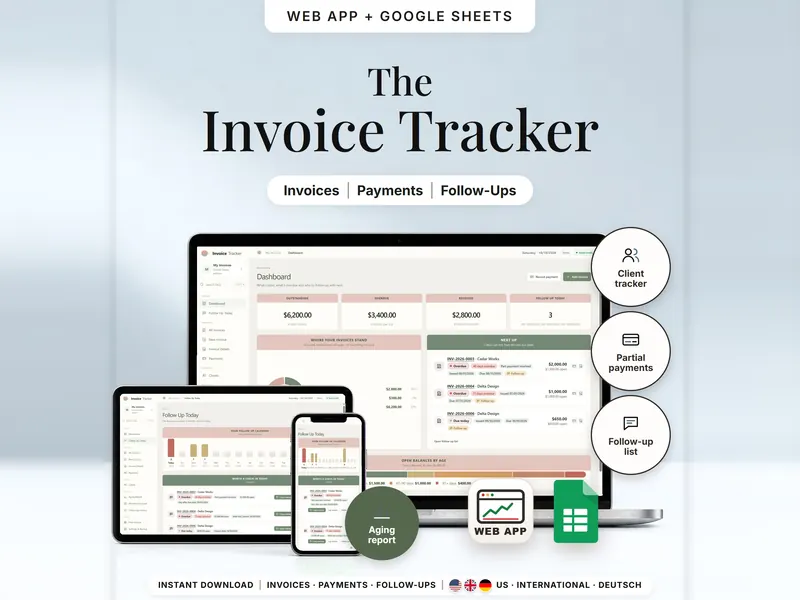
See which invoices are open, part paid or overdue per client – and who to check in with.
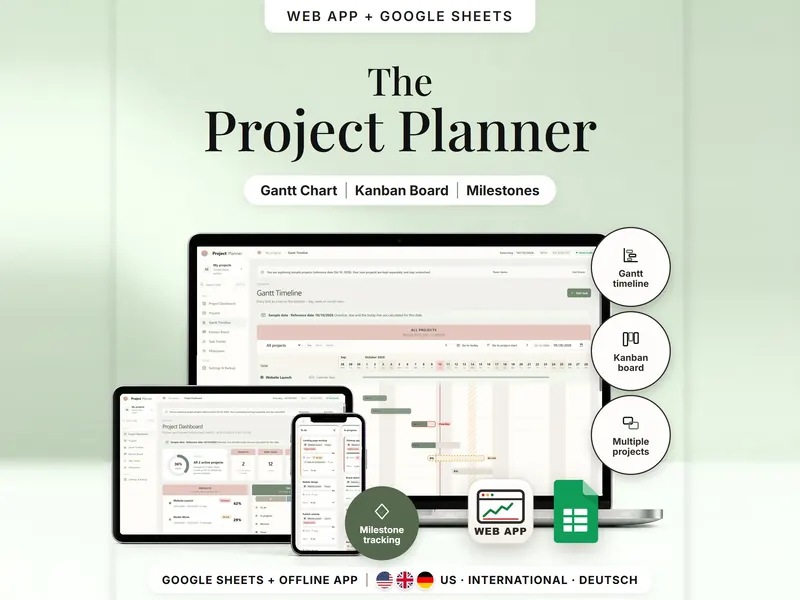
Plan several projects on a Gantt timeline and a Kanban board, both fed by one task list.
€6.99 for buyers in Germany, incl. 19% VAT
One-time purchase · instant download · offline web app + Google Sheets
Last updated: Oct 2026 · Version 1.0