Bills & Subscriptions Organizer
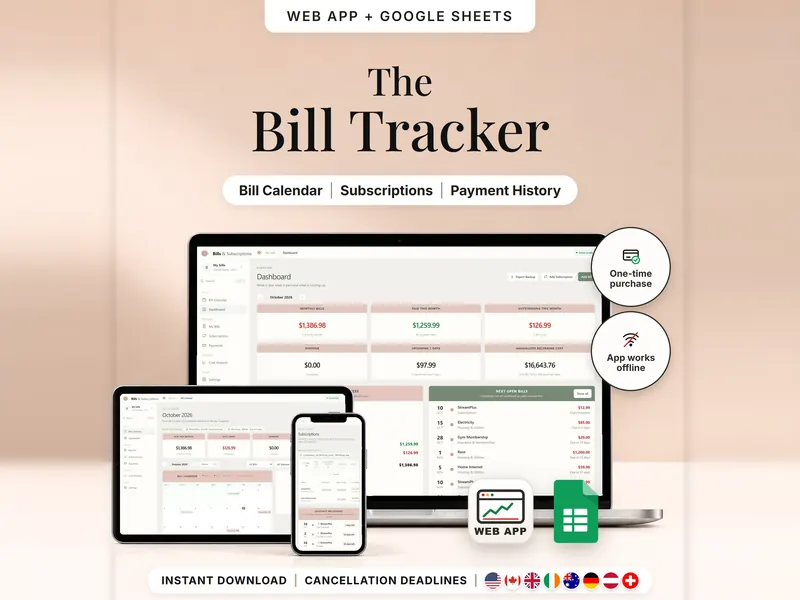
Every bill, renewal and last day to cancel on one calendar – mark what's paid.
- Web app + Sheets
€6.99*

Plan bills, spending and savings by payday and see what's left until the next one.
€6.99 for buyers in Germany, incl. 19% VATOne-time purchase · instant download
Etsy shows the final amount in your currency at checkout.
After payment, download your files in a web browser – Etsy → You → Purchases and reviews → Download files, or the link in Etsy's order email if you checked out as a guest. The Etsy app can't download files.
In short
Paycheck Budget Planner is a one-time download: an offline web app (no account needed) plus a separate Google Sheets™ template (free Google account) for planning bills, spending, savings and extra debt payments by payday – weekly, every two or four weeks, twice a month or monthly. No subscription.
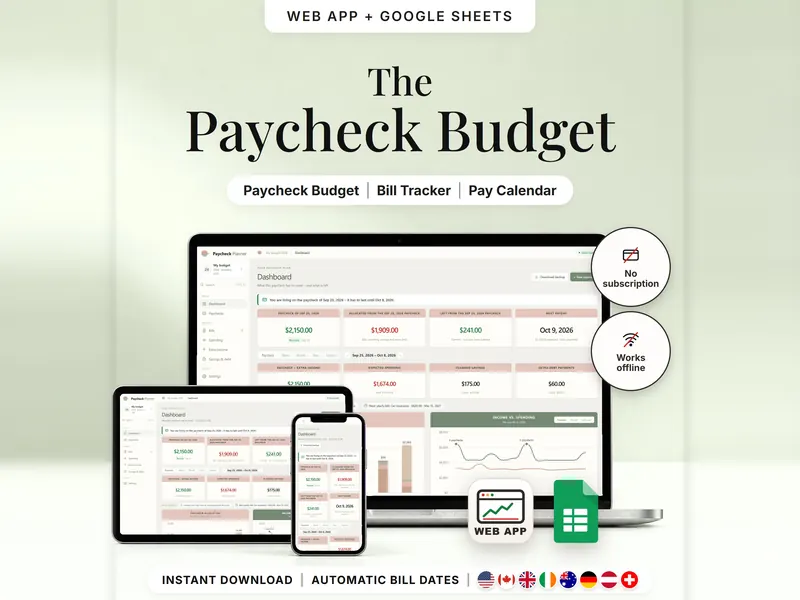
A monthly budget can feel off when your pay arrives every week or every two weeks. This planner starts from your paydays instead. You set your pay schedule once, and every bill, expense and savings amount is assigned to the paycheck that pays for it. For each paycheck you see what's already committed, what's left and when the next payday comes. A money calendar and a yearly view show the same plan from further away.
Every number comes from what you enter. There's no bank connection, no transactions are imported, and a paycheck only counts as received when you mark it that way. The amount left is planned – it is not your bank balance. If you only want a record of what came in and went out each month, the Budget Spreadsheet is simpler.
An organizing tool – not financial, tax or legal advice.
The 15-second tour
The dashboard on a laptop. Labels appear one by one: Paycheck Budgets, Assign Bills, Savings Plans, Bill Calendar and Yearly Overview. A small card does the math for one paycheck: $2,150.00, minus $1,909.00 for bills, spending and savings, leaves $241.00. Then the bills list, the paycheck calendar and the year at a glance. It ends with: offline web app + Google Sheets, three editions (US, International, Deutsch), separate files, no syncing.
The video has no sound. · 15 s
Feature images
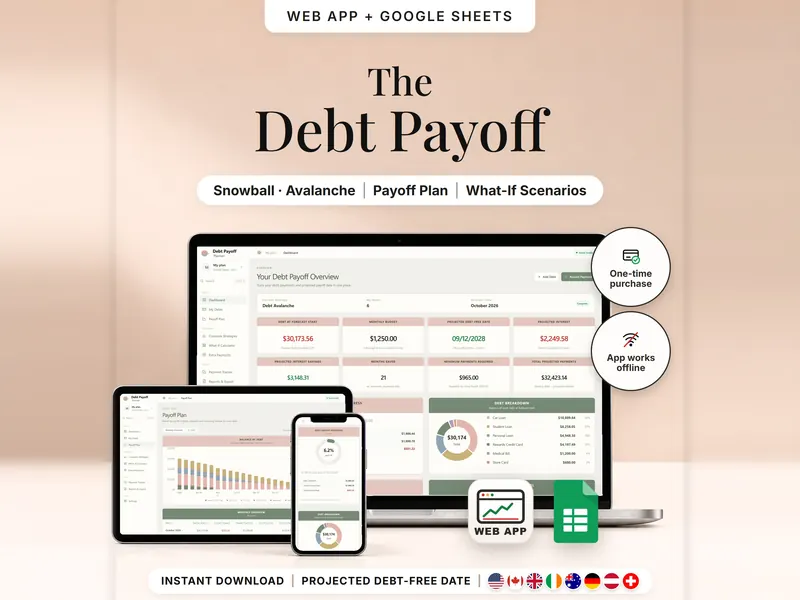
Real screenshots, sample data.
A single HTML file that opens in your browser, without an account or subscription
Blank and with sample data, for 3 regions
US, International (UK, IE, AU, NZ, CA) and German (DE, AT, CH)
Setup instructions in English and German (PDF)
Both versions are in your download as separate files – each plans by payday. Pick the one that fits how you work.
| Topic | Offline web app | Google Sheets |
|---|---|---|
| Where your plan lives | In your browser, on this device | In your own copy in Google Drive |
| Account | Not needed | A free Google account |
| Works offline | Yes, once the file is open in your browser | Usually needs an internet connection |
| Getting started | Guided setup in 8 short steps, or a demo plan | A blank or sample copy – you type into the white cells |
| Paycheck status | Planned, Open or Received – set by you | The same three statuses on the Paychecks tab |
| Calendar | Paydays, bills and spending on a month calendar | No calendar tab – each tab lists its own dates |
| Backup & history | A backup file to download and restore; CSV export | Google's version history |
They don't sync.
Check out on Etsy, then download your files in a web browser – not in the Etsy app.
The guide shows which web app file to open and has your Google Sheets copy links and the link for iPhone and iPad.
Open the web app in your browser, or make your own copy of the Google Sheets template, and add your first entry.
Paycheck Budget Planner
€6.99 for buyers in Germany, incl. 19% VATEtsy shows the final amount in your currency at checkout.
One-time purchase · instant download · offline web app + Google Sheets
| Device | Web app | Google Sheets |
|---|---|---|
| Windows or Mac computer | Open the HTML file in Chrome, Edge, Firefox or Safari | In your browser |
| Android phone or tablet | Open the file from Downloads with Chrome | Google Sheets app or browser |
| iPhone & iPad | Open the web-app link from your START HERE guide in Safari and add it to your Home Screen | Google Sheets app or browser |
| Edition | Format |
|---|---|
| US | USD, 10/11/2026, 12-hour clock |
| International | UK, Ireland, Australia, New Zealand, Canada – 11/10/2026 |
| German | Germany, Austria, Switzerland – 11.10.2026, German labels |
No. There's no bank login and no import – you type in paychecks, bills and expenses yourself.
The web app needs no account – you open the file in your browser. The Google Sheets version needs a free Google account. There's no stillmeasure. account and no subscription.
The web app saves your plan in your browser on that device – download a backup now and then. The Google Sheets version is your own copy in Google Drive. The two don't sync.
iPhone & iPad: open the web-app link from your START HERE guide in Safari and add it to your Home Screen. A downloaded HTML file on its own only opens as a preview on iPhone and iPad.
Yes. Each paycheck is planned on its own date, and months with an extra paycheck are flagged. Setup needs one known payday and works out the rest.
No. It's what remains from a paycheck after everything you planned from it, worked out from your entries – not from your account.
It isn't supported. The spreadsheet is built for Google Sheets.
Every bill, renewal and last day to cancel on one calendar – mark what's paid.
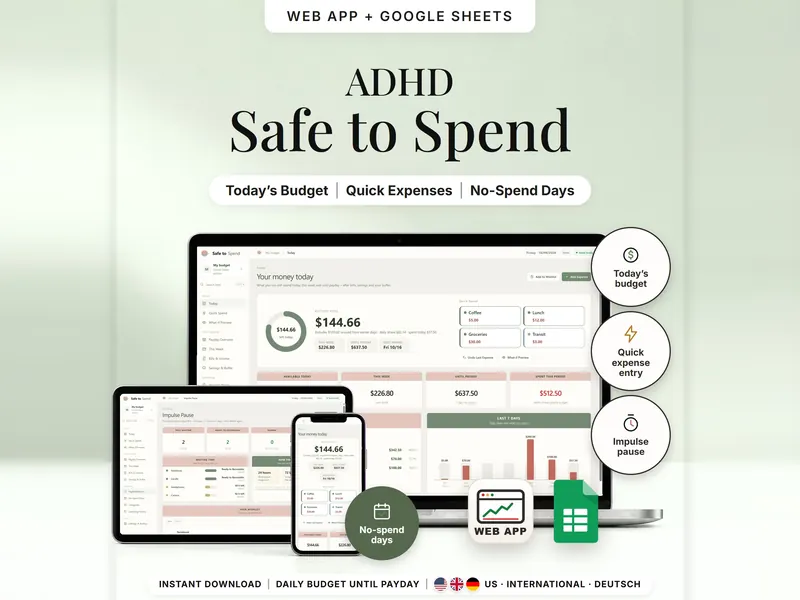
Your money until payday as one daily amount – after bills, savings and a buffer.
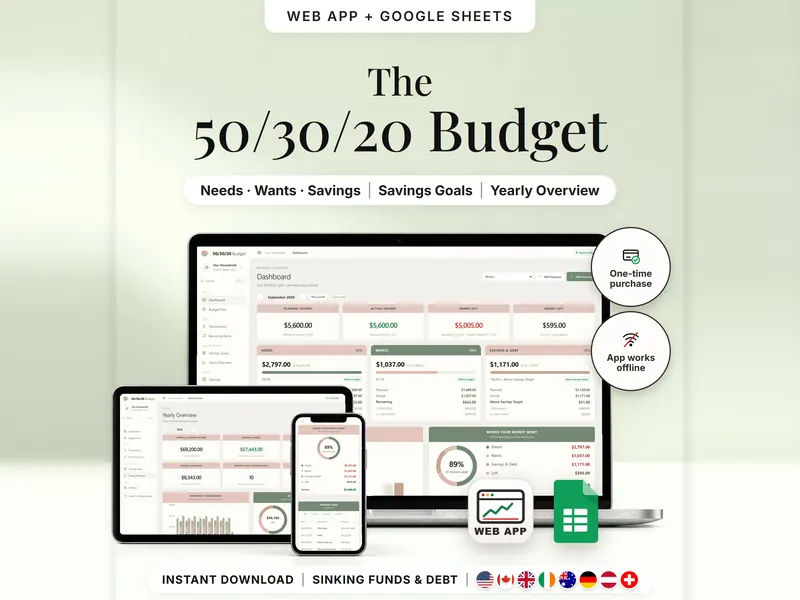
Split income into needs, wants and savings and compare the plan with real spending.
€6.99 for buyers in Germany, incl. 19% VAT
One-time purchase · instant download · offline web app + Google Sheets
Last updated: Oct 2026 · Version 1.0