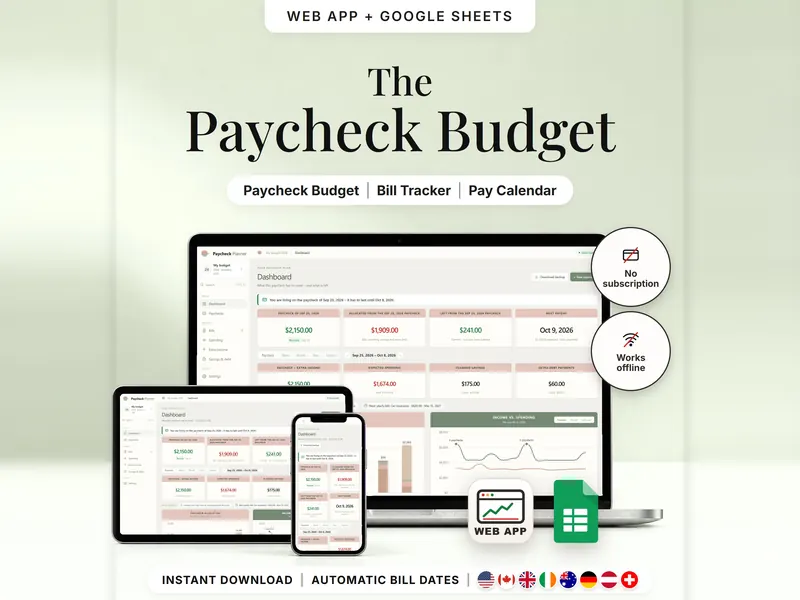
Paycheck Budget Planner
Plan bills, spending and savings by payday and see what's left until the next one.
- Web app + Sheets
€6.99*

Your money until payday as one daily amount – after bills, savings and a buffer.
€6.99 for buyers in Germany, incl. 19% VATOne-time purchase · instant download
Etsy shows the final amount in your currency at checkout.
After payment, download your files in a web browser – Etsy → You → Purchases and reviews → Download files, or the link in Etsy's order email if you checked out as a guest. The Etsy app can't download files.
In short
Safe-to-Spend Budget Tracker is a one-time download: an offline web app (no account needed) plus a separate Google Sheets™ template (free Google account) that spreads the money left after bills, savings and a buffer over every day until payday and shows an estimated amount for today. No subscription.
A full budget can be a lot to hold in your head between paydays. This planner is made for ADHD brains and keeps it to one question: how much is left for today? You enter the money you have, your next payday, upcoming bills, savings transfers and a buffer you don't want to touch. What remains is spread over every day until payday. Money you don't use on a day carries over; overspending lowers the days ahead.
The number is an estimate from your entries, not a check of your bank balance. There's no bank connection, bills count as paid only when you mark them, and a new pay period starts only when you confirm it. To plan every bill by paycheck, use the Paycheck Budget Planner.
An organizing tool – not financial, tax or legal advice.
The 15-second tour
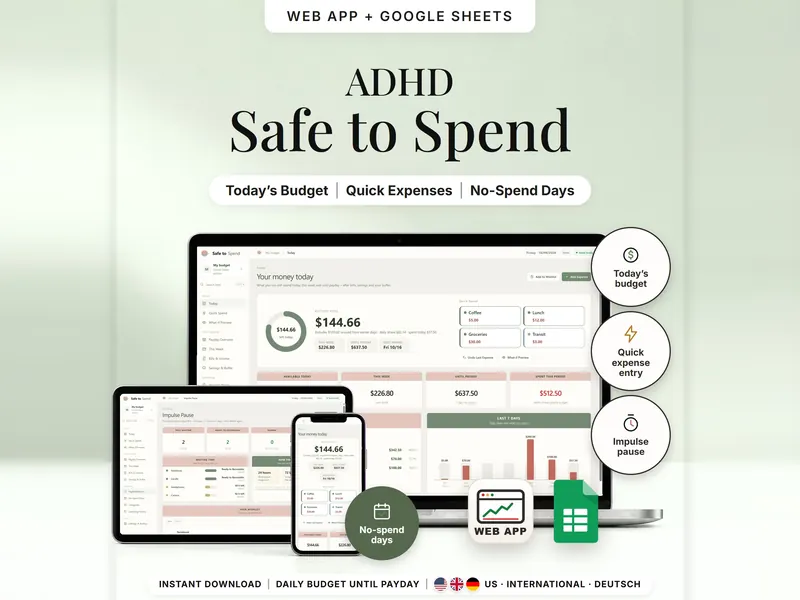
The Today page on a laptop. Labels appear one by one: Today's Amount, Payday View, 24h / 72h / 7d Pause, No-Spend Days and Purchase Wishlist. A card works out today's figure: daily share $82.14, plus $100.02 unused earlier, minus $37.50 spent today, gives $144.66. Then the payday overview, the daily budget, the impulse pause and the no-spend days. It ends with: offline web app + Google Sheets, three editions, separate files, no syncing.
The video has no sound. · 15 s
Feature images
Real screenshots, sample data.
A single HTML file that opens in your browser, without an account or subscription
Blank and with sample data, for 3 regions
US, International and German (DACH)
Setup instructions in English and German (PDF)
Both versions are in your download – each with the daily share, carry-over, bills, buffer, impulse pause and no-spend days. They are separate files; pick the one that fits how you work.
| Topic | Offline web app | Google Sheets |
|---|---|---|
| Where your budget lives | In your browser, on this device | In your own copy in Google Drive |
| Account | Not needed | A free Google account |
| Works offline | Yes, once the file is open in your browser | Usually needs an internet connection |
| Adding an expense | Tap a preset or type it, then confirm | One row per expense |
| Undo | Undo Last Expense in one tap | Set the row's status to Void |
| Impulse pause | A live timer for each wish | Pause state and hours left, based on your UTC offset |
| Backup & history | Backup file to export and restore; spending CSV | Google's version history |
They don't sync.
Check out on Etsy, then download your files in a web browser – not in the Etsy app.
The guide shows which web app file to open and has your Google Sheets copy links and the link for iPhone and iPad.
Open the web app in your browser, or make your own copy of the Google Sheets template, and add your first entry.
Safe-to-Spend Budget Tracker
€6.99 for buyers in Germany, incl. 19% VATEtsy shows the final amount in your currency at checkout.
One-time purchase · instant download · offline web app + Google Sheets
| Device | Web app | Google Sheets |
|---|---|---|
| Windows or Mac computer | Open the HTML file in Chrome, Edge, Firefox or Safari | In your browser |
| Android phone or tablet | Open the file from Downloads with Chrome | Google Sheets app or browser |
| iPhone & iPad | Open the web-app link from your START HERE guide in Safari and add it to your Home Screen | Google Sheets app or browser |
| Edition | Format |
|---|---|
| US | USD, 10/09/2026, week ends Saturday |
| International | UK, Ireland, Australia, New Zealand and Canada – GBP, EUR, AUD, NZD, CAD, CHF or SGD, 09/10/2026, week ends Sunday |
| DACH | Germany, Austria and Switzerland – EUR or CHF, German texts, 09.10.2026 |
No. There's no bank connection and no import. You enter your money, bills, income and expenses yourself.
No. It's an estimate from your entries – it doesn't check your bank balance, and missing entries change it.
Money you didn't use on earlier days carries over to today. Spending more than your share lowers the days ahead.
The web app needs no account – you open the file in your browser. The Google Sheets version needs a free Google account. There's no stillmeasure. account and no subscription.
The web app saves your budget in your browser on that device – export a backup now and then. The Google Sheets version is your own copy in Google Drive. The two don't sync.
iPhone & iPad: open the web-app link from your START HERE guide in Safari and add it to your Home Screen. A downloaded HTML file on its own only opens as a preview on iPhone and iPad.
It isn't supported. The spreadsheet is built for Google Sheets.
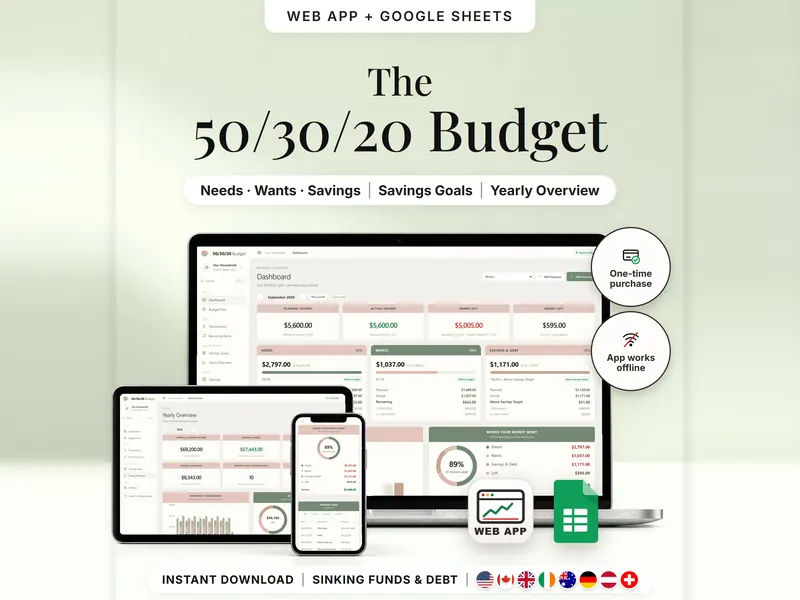
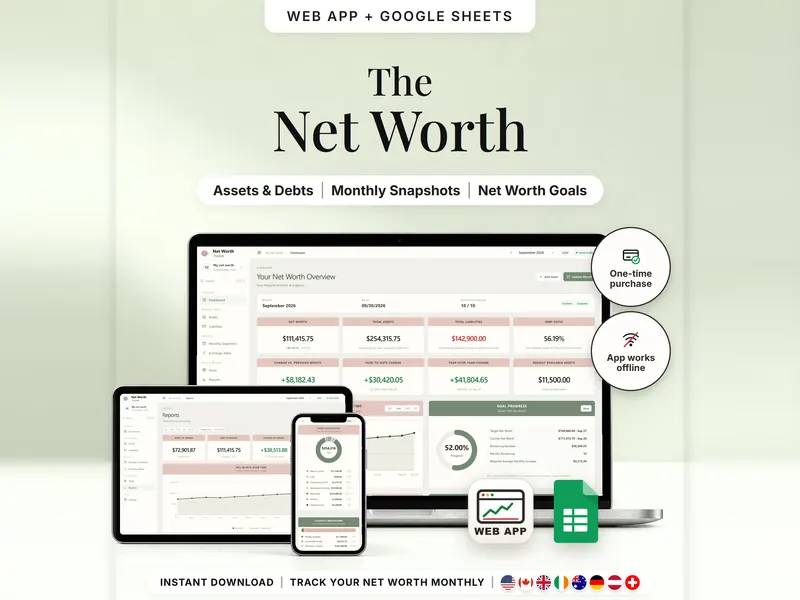
Plan bills, spending and savings by payday and see what's left until the next one.
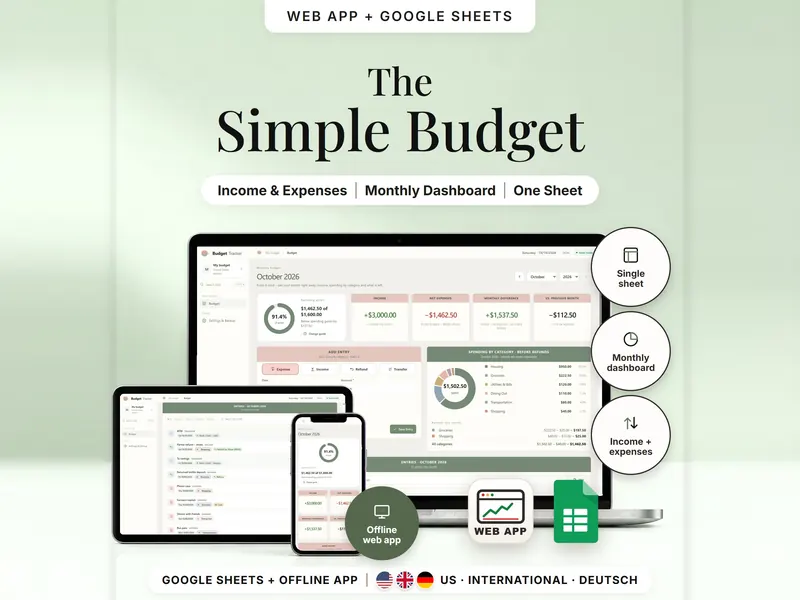
Record income and expenses and see your month and your year on one sheet.
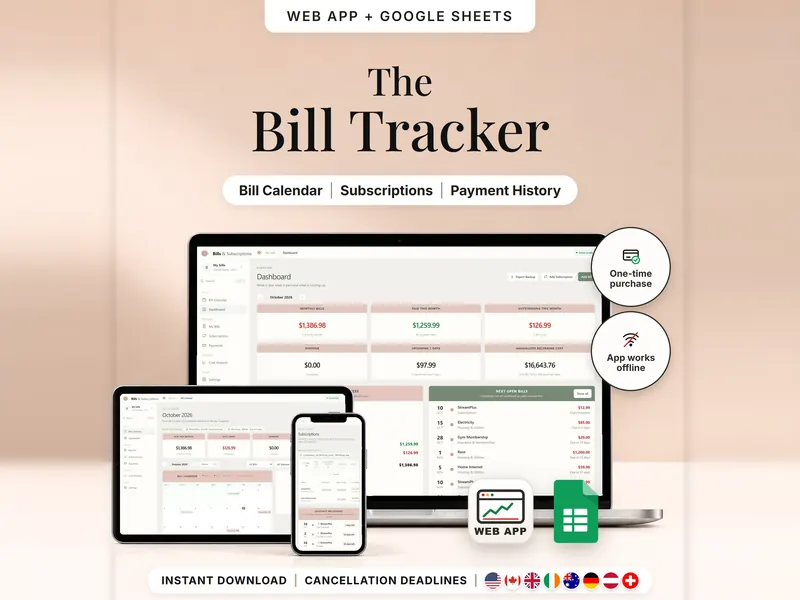
Every bill, renewal and last day to cancel on one calendar – mark what's paid.
€6.99 for buyers in Germany, incl. 19% VAT
One-time purchase · instant download · offline web app + Google Sheets
Last updated: Oct 2026 · Version 1.0