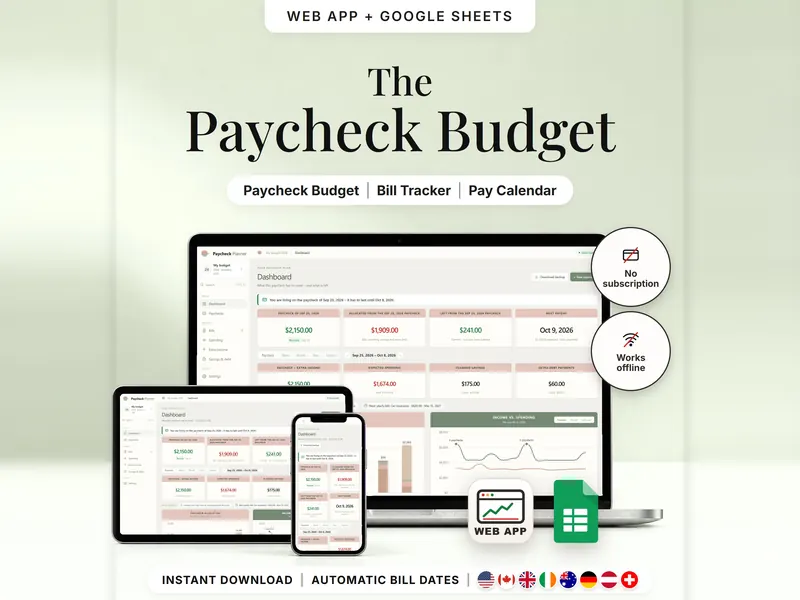
Paycheck Budget Planner
Plan bills, spending and savings by payday and see what's left until the next one.
- Web app + Sheets
€6.99*

Compare snowball, avalanche and your own order, then track what you actually paid.
€8.98 for buyers in Germany, incl. 19% VATOne-time purchase · instant download
Etsy shows the final amount in your currency at checkout.
After payment, download your files in a web browser – Etsy → You → Purchases and reviews → Download files, or the link in Etsy's order email if you checked out as a guest. The Etsy app can't download files.
In short
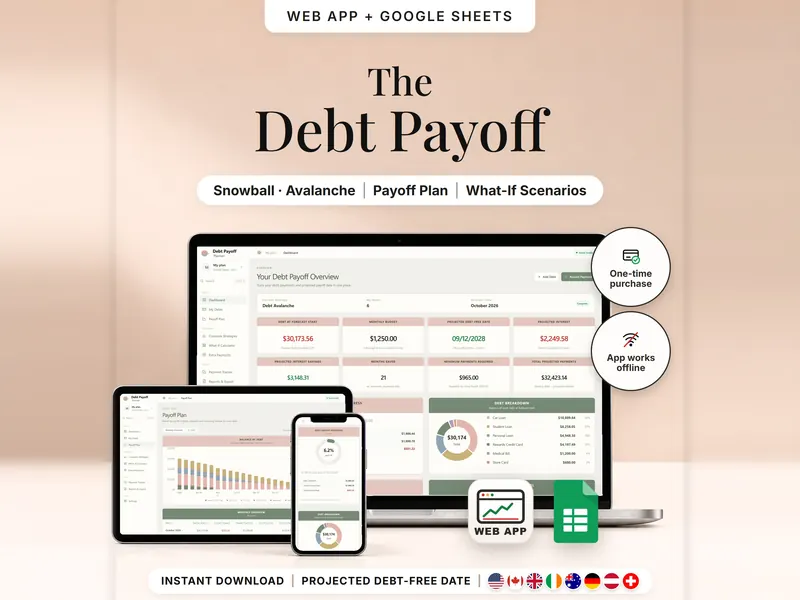
Debt Payoff Planner is a one-time download: an offline web app (no account needed) plus a separate Google Sheets™ template (free Google account) for listing your debts, comparing snowball, avalanche and your own payoff order month by month, and recording what you actually paid. No subscription.
With several debts, it's hard to tell which order makes sense and when the last one would be paid off. You enter each debt – balance, APR, minimum payment and due day – plus one monthly budget. The planner builds a month-by-month plan and puts Debt Snowball, Debt Avalanche, your own order and minimum payments only side by side: projected payoff date, months and total interest under its model. A what-if calculator tests a higher budget or an extra payment without touching your saved plan.
It's an estimate, not your lender's schedule. Interest is worked out as balance × APR ÷ 12, and lenders may use daily interest or fees. There's no bank connection, and nothing counts as paid until you record a payment.
An organizing tool – not financial, tax or legal advice.
Feature images
Real screenshots, sample data.
A single HTML file that opens in your browser, without an account or subscription
Blank and with sample data, for 3 regions
US, International and German (DACH)
Setup instructions in English and German (PDF)
Both versions are in your download – each compares snowball, avalanche, your own order and minimum payments only. They are separate files; pick the one that fits how you work.
| Topic | Offline web app | Google Sheets |
|---|---|---|
| Where your plan lives | In your browser, on this device | In your own copy in Google Drive |
| Account | Not needed | A free Google account |
| Works offline | Yes, once the file is open in your browser | Usually needs an internet connection |
| Number of debts | Not limited to 20 | Up to 20 debts over 120 months |
| Strategies | Snowball, avalanche, your own order and minimums only | The same four, side by side |
| What-if | Save several scenarios and apply one | One what-if scenario |
| Plan vs. actual | Saved starting plan, month close and balance corrections | Actual payments, without a saved starting plan |
| Backup & history | JSON backup and CSV exports | Google's version history |
They don't sync.
Check out on Etsy, then download your files in a web browser – not in the Etsy app.
The guide shows which web app file to open and has your Google Sheets copy links and the link for iPhone and iPad.
Open the web app in your browser, or make your own copy of the Google Sheets template, and add your first entry.
Debt Payoff Planner
€8.98 for buyers in Germany, incl. 19% VATEtsy shows the final amount in your currency at checkout.
One-time purchase · instant download · offline web app + Google Sheets
| Device | Web app | Google Sheets |
|---|---|---|
| Windows or Mac computer | Open the HTML file in Chrome, Edge, Firefox or Safari | In your browser |
| Android phone or tablet | Open the file from Downloads with Chrome | Google Sheets app or browser |
| iPhone & iPad | Open the web-app link from your START HERE guide in Safari and add it to your Home Screen | Google Sheets app or browser |
| Edition | Format |
|---|---|
| US | USD, 10/11/2026, week starts Sunday |
| International | your currency, 11/10/2026, week starts Monday, UK English |
| German | EUR / CHF, 11.10.2026, German labels |
No. There's no bank login and nothing is uploaded. You enter balances and payments yourself.
The planner estimates monthly interest as balance × APR ÷ 12. Lenders may use daily interest, fees or other methods, so every date and amount here is an estimate.
That's your call. The comparison shows both with your own numbers: avalanche often means less interest under the model, while snowball pays off the smallest balances first.
The web app needs no account – you open the file in your browser. The Google Sheets version needs a free Google account. There's no stillmeasure. account and no subscription.
The web app saves your plan in your browser on that device – export a JSON backup regularly. The Google Sheets version is your own copy in Google Drive. The two don't sync.
iPhone & iPad: open the web-app link from your START HERE guide in Safari and add it to your Home Screen. A downloaded HTML file on its own only opens as a preview on iPhone and iPad.
It isn't supported. The spreadsheet is built for Google Sheets.
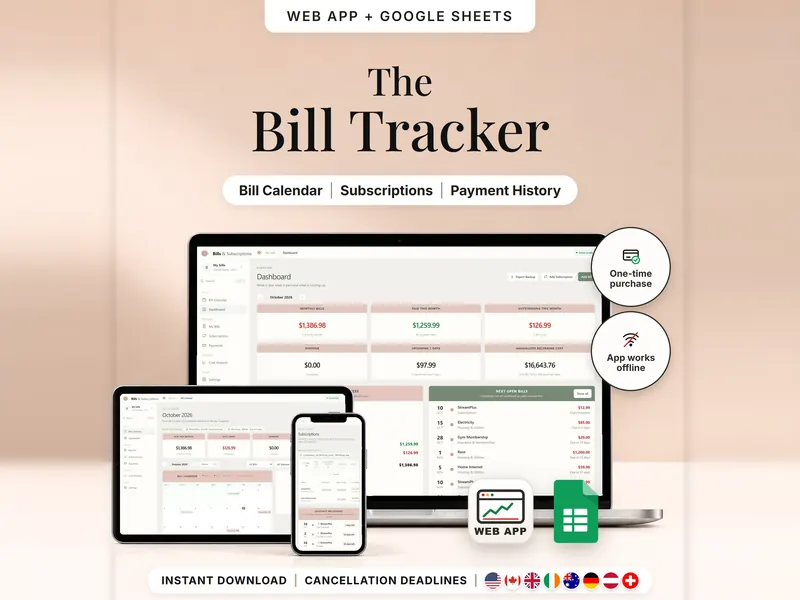
Plan bills, spending and savings by payday and see what's left until the next one.
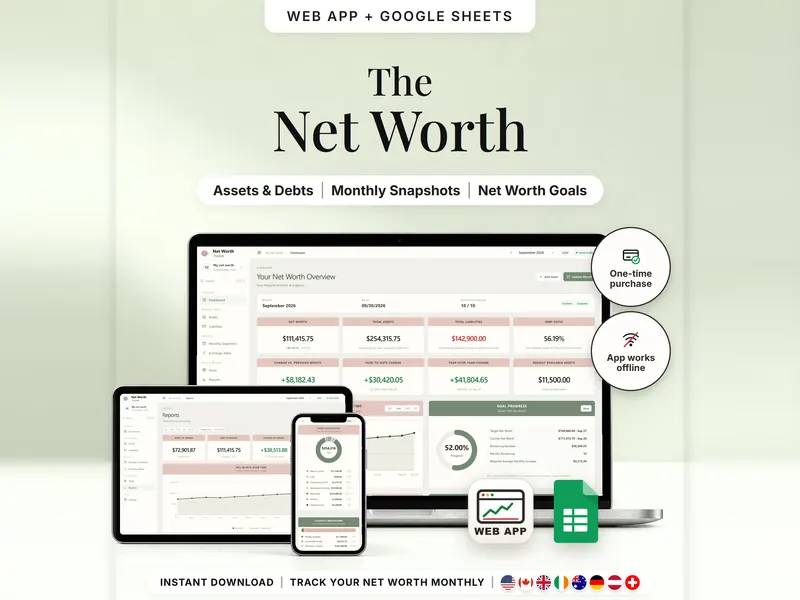
List what you own and owe, update once a month and see your net worth over time.
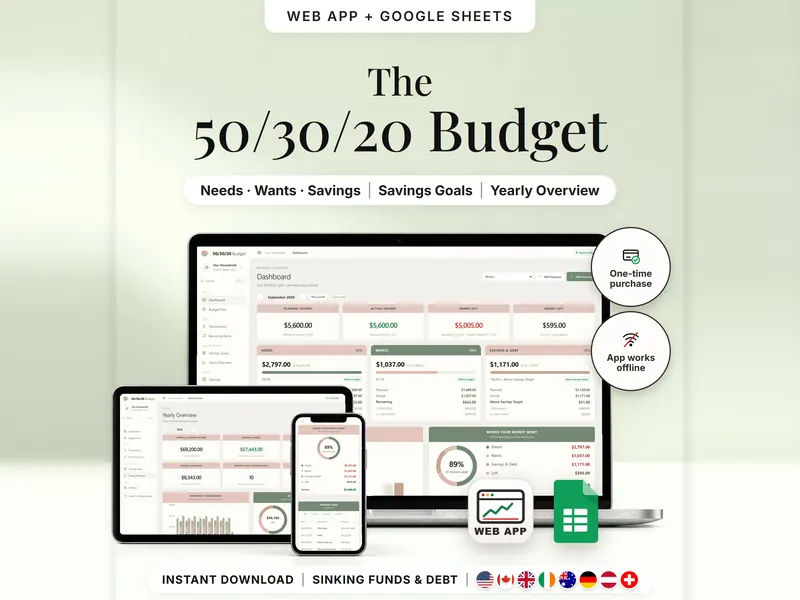
Split income into needs, wants and savings and compare the plan with real spending.
€8.98 for buyers in Germany, incl. 19% VAT
One-time purchase · instant download · offline web app + Google Sheets
Last updated: Oct 2026 · Version 1.0