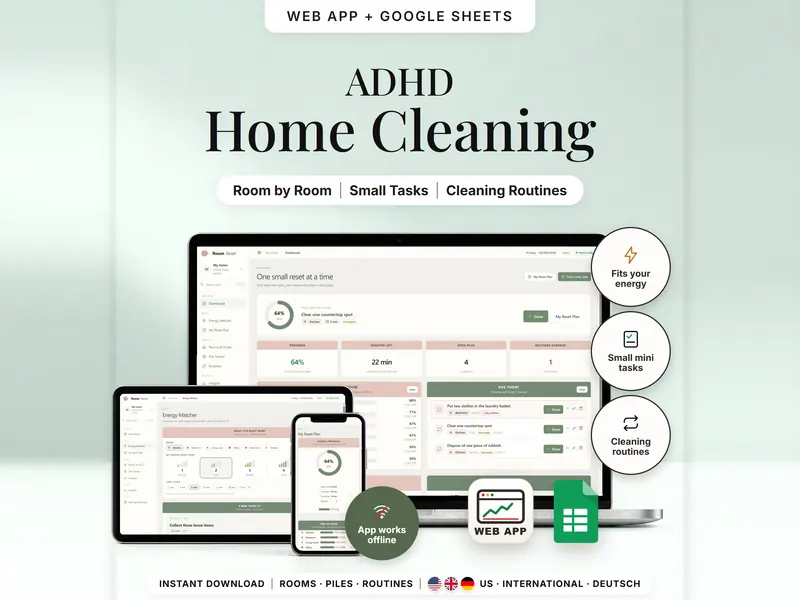
Room Declutter & Cleaning Planner
Pick a room, your energy and your minutes – get one small task that fits.
- Web app + Sheets
- Made for ADHD brains
€6.99*

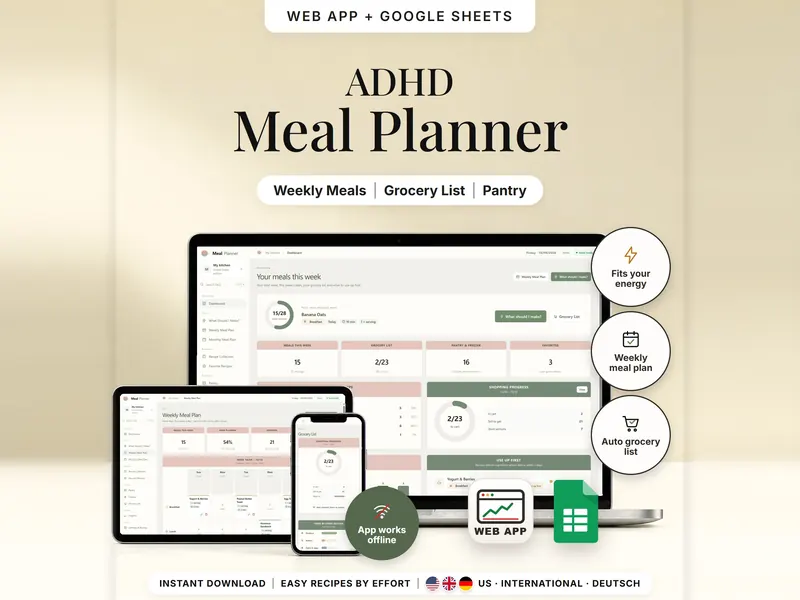
Pick easy meals by energy and time; the grocery list subtracts what you have.
€6.99 for buyers in Germany, incl. 19% VATOne-time purchase · instant download
Etsy shows the final amount in your currency at checkout.
After payment, download your files in a web browser – Etsy → You → Purchases and reviews → Download files, or the link in Etsy's order email if you checked out as a guest. The Etsy app can't download files.
In short
Meal Planner & Grocery List is a one-time download: an offline web app (no account needed) plus a separate Google Sheets™ template (free Google account) for picking easy meals by energy and time, planning your week and getting a grocery list from your plan and pantry. No subscription.
Deciding what to eat and working out what to buy are two jobs. Here you choose breakfast, lunch, dinner or a snack, your energy right now (1 to 5) and the minutes you have, and the planner lists the recipes that fit – from no-cook snacks to 30-minute dinners. Put them into your week, note what's in the pantry and freezer, and the grocery list adds up what the plan needs, minus what you already have, sorted by store section.
It is a planning tool, not a diet plan: no calories, nutrients or health scores, and a date on an ingredient is only a note to check, not a freshness test. It doesn't know what your store sells, and amounts aren't rounded to package sizes.
An organizing tool – not a medical tool.
The 15-second tour
The weekly meal plan. Labels appear one by one: Weekly Meal Plan, Recipe Library, Grocery List, Pantry Tracker and What Should I Cook? A small card counts the shopping: 23 items for your meals, minus 2 already in the cart, leaves 21 to get. Then the recipe collection, the grocery list by store section and the pantry. It ends with: offline web app + Google Sheets, three editions (US, International, Deutsch), separate files, no syncing.
The video has no sound. · 15 s
Feature images
Real screenshots, sample data.
A single HTML file that opens in your browser, without an account or subscription
Blank and with sample data, for 3 regions
US, International and German (DACH)
Setup instructions in English and German (PDF)
Two separate files – pick the one that fits how you work. They don't sync.
| Topic | Offline web app | Google Sheets |
|---|---|---|
| Where your data lives | In your browser, on this device | In your own copy in Google Drive |
| Account | Not needed | A free Google account |
| Works offline | Yes, once the file is open | Needs internet access |
| Picking a recipe | “Surprise me” button | A pick number you raise by 1 |
| Planning a meal | Tap a slot in the week grid | One row per meal: date, meal, recipe, servings |
| Shopping | Saved lists, “in cart” taps and “Add to pantry” | Open / In cart status per item |
| Backup | Backup file and grocery list as CSV | Google's version history |
They don't sync.
Check out on Etsy, then download your files in a web browser – not in the Etsy app.
The guide shows which web app file to open and has your Google Sheets copy links and the link for iPhone and iPad.
Open the web app in your browser, or make your own copy of the Google Sheets template, and add your first entry.
Meal Planner & Grocery List
€6.99 for buyers in Germany, incl. 19% VATEtsy shows the final amount in your currency at checkout.
One-time purchase · instant download · offline web app + Google Sheets
| Device | Web app | Google Sheets |
|---|---|---|
| Windows or Mac computer | Open the HTML file in Chrome, Edge, Firefox or Safari | In your browser |
| Android phone or tablet | Open the file from Downloads with Chrome | Google Sheets app or browser |
| iPhone & iPad | Open the web-app link from your START HERE guide in Safari and add it to your Home Screen | Google Sheets app or browser |
| Edition | Format |
|---|---|
| US | 10/09/2026, week starts Sunday, ounces and cups |
| International | UK, Ireland, Australia, New Zealand and Canada – 09/10/2026, week starts Monday, grams and milliliters |
| German | Germany, Austria and Switzerland – German texts, 09.10.2026, week starts Monday, grams and milliliters |
No. It's a planning tool with no calories, nutrients or diet advice. Recipe amounts and times are estimates you can change.
Yes. Choose US units or metric in Settings. Rounded US amounts are marked with “≈”, and switching units never changes what is stored.
Your stock may be below the amount you want to keep at least, or the item is set to not counted. Check it under Pantry or Freezer.
The web app needs no account – you open the file in your browser. The Google Sheets version needs a free Google account. There is no stillmeasure. account and no subscription.
In the web app, your plan is saved in your browser on that device, so download a backup now and then. In Google Sheets, it's your own copy in Google Drive. The two versions don't sync.
iPhone & iPad: open the web-app link from your START HERE guide in Safari and add it to your Home Screen. A downloaded HTML file on its own only opens as a preview on iPhone and iPad.
It isn't supported. The spreadsheet is built for Google Sheets.
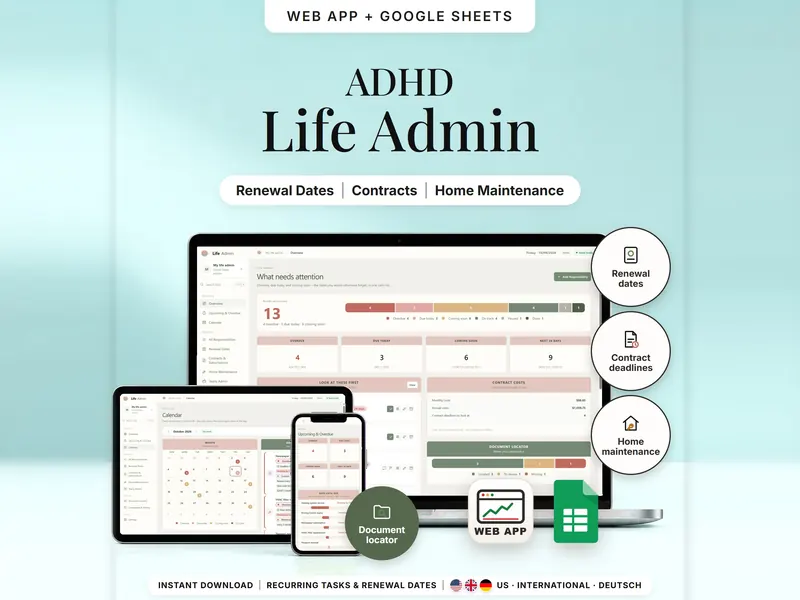
Pick a room, your energy and your minutes – get one small task that fits.
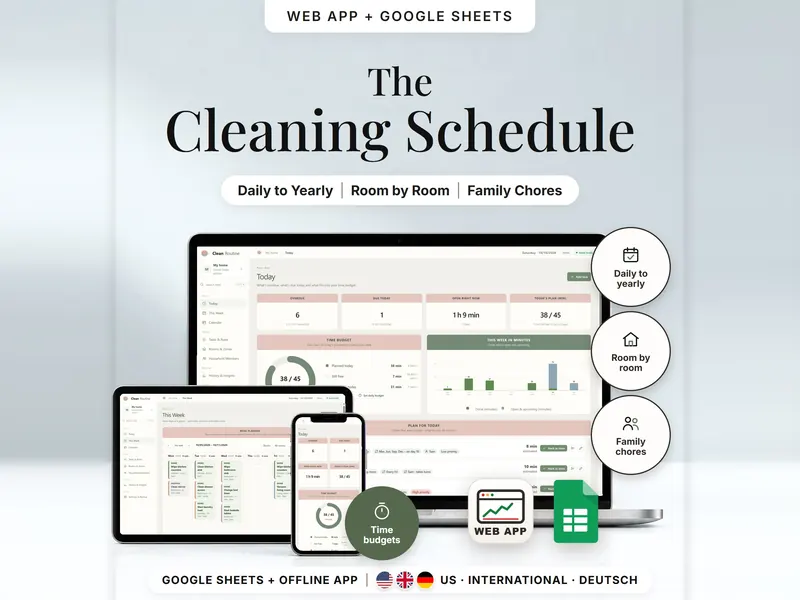
Recurring chores by room, a daily plan in your time budget, split among household members.
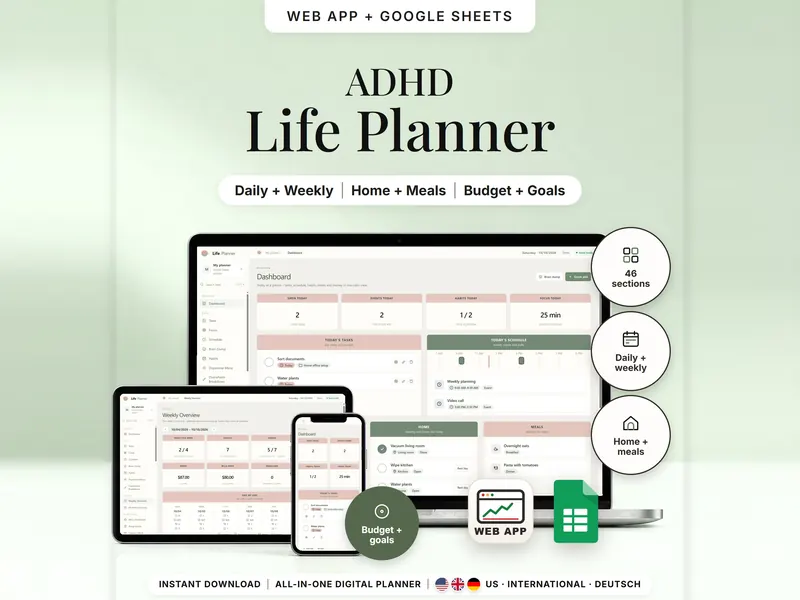
Tasks, schedule, habits, home, meals and money in one planner – show only what you need.
€6.99 for buyers in Germany, incl. 19% VAT
One-time purchase · instant download · offline web app + Google Sheets
Last updated: Oct 2026 · Version 1.0