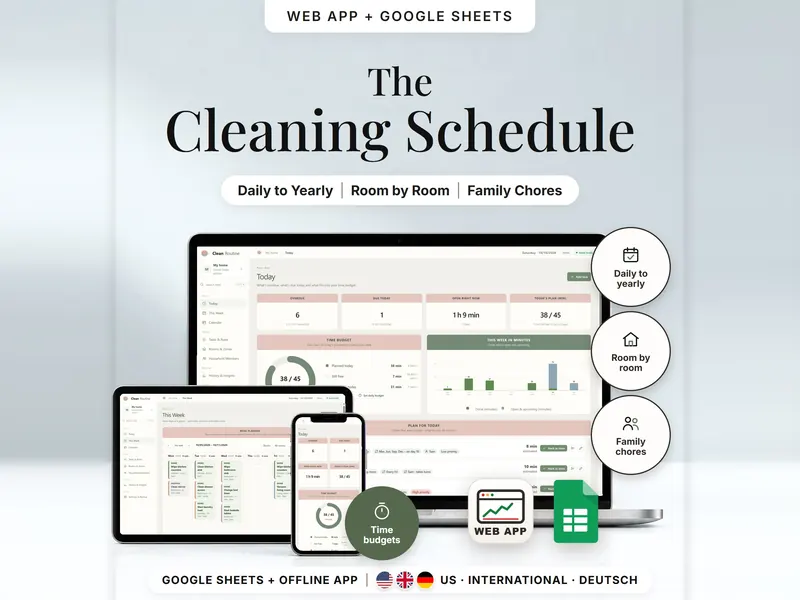
Cleaning Schedule
Recurring chores by room, a daily plan in your time budget, split among household members.
- Web app + Sheets
€6.99*

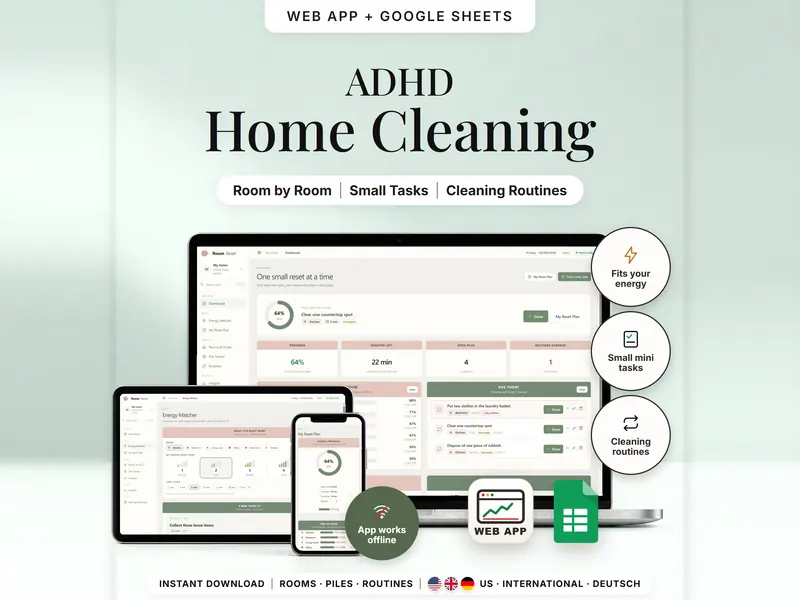
Pick a room, your energy and your minutes – get one small task that fits.
€6.99 for buyers in Germany, incl. 19% VATOne-time purchase · instant download
Etsy shows the final amount in your currency at checkout.
After payment, download your files in a web browser – Etsy → You → Purchases and reviews → Download files, or the link in Etsy's order email if you checked out as a guest. The Etsy app can't download files.
In short
Room Declutter & Cleaning Planner is a one-time download: an offline web app (no account needed) plus a separate Google Sheets™ template (free Google account) for small room-by-room resets matched to your energy and time, with pile tracking and simple cleaning routines. No subscription.
A whole room can be too much to begin with. This planner asks three small questions instead: which room, how much energy you have right now (1 to 5) and how many minutes you can spare. It then lists only the mini tasks that fit, shortest first. Add one to your reset plan, tick it off, and that room's progress goes up.
Piles that keep coming back – the doom pile on the chair, the mail by the shoe rack – get their own tracker, and daily, weekly or monthly routines show up when they are due. Progress counts finished mini tasks, not how tidy a room looks. There are no reminders or notifications: you see what's due when you open the planner.
An organizing tool – not a medical tool.
Feature images
Real screenshots, sample data.
A single HTML file that opens in your browser, without an account or subscription
Blank and with sample data, for 3 regions
US, International and German (DACH)
Setup instructions in English and German (PDF)
Two separate files – pick the one that fits how you work. They don't sync.
| Topic | Offline web app | Google Sheets |
|---|---|---|
| Where your data lives | In your browser, on this device | In your own copy in Google Drive |
| Account | Not needed | A free Google account |
| Works offline | Yes, once the file is open | Needs internet access |
| Picking a task | “Surprise me” button | A pick number you raise by 1 |
| Ticking tasks off | One-tap Start, Done and Skip buttons | A status list in the reset plan |
| Routines | Done button; the next date appears | A routine log with dates you type |
| Insights | Last 7, 30 or 90 days | Last 14 days |
| Backup | Backup file and CSV export | Google's version history |
They don't sync.
Check out on Etsy, then download your files in a web browser – not in the Etsy app.
The guide shows which web app file to open and has your Google Sheets copy links and the link for iPhone and iPad.
Open the web app in your browser, or make your own copy of the Google Sheets template, and add your first entry.
Room Declutter & Cleaning Planner
€6.99 for buyers in Germany, incl. 19% VATEtsy shows the final amount in your currency at checkout.
One-time purchase · instant download · offline web app + Google Sheets
| Device | Web app | Google Sheets |
|---|---|---|
| Windows or Mac computer | Open the HTML file in Chrome, Edge, Firefox or Safari | In your browser |
| Android phone or tablet | Open the file from Downloads with Chrome | Google Sheets app or browser |
| iPhone & iPad | Open the web-app link from your START HERE guide in Safari and add it to your Home Screen | Google Sheets app or browser |
| Edition | Format |
|---|---|
| US | 10/09/2026, week starts Sunday |
| International | UK, Ireland, Australia, New Zealand and Canada – 09/10/2026, week starts Monday |
| German | Germany, Austria and Switzerland – German texts, 09.10.2026, week starts Monday |
By fixed rules: a task appears when it belongs to the room type (or works anywhere), needs no more than your chosen energy and fits your minutes. “Surprise me” picks one from that list by a fixed formula based on the date, the room and how often you tapped – tap again for another.
No. Progress counts the planned mini tasks you finished in a room; skipped ones are left out. It says nothing about how tidy the room looks.
No. There are no reminders or notifications – due and overdue routines are shown on the dashboard when you open the planner, and an overdue one stays there until you mark it done.
The web app needs no account – you open the file in your browser. The Google Sheets version needs a free Google account. There is no stillmeasure. account and no subscription.
Web-app data is saved in your browser on that device, so download a backup now and then. The Google Sheets version is your own copy in Google Drive. The two versions don't sync.
iPhone & iPad: open the web-app link from your START HERE guide in Safari and add it to your Home Screen. A downloaded HTML file on its own only opens as a preview on iPhone and iPad.
It isn't supported. The spreadsheet is built for Google Sheets.
Recurring chores by room, a daily plan in your time budget, split among household members.
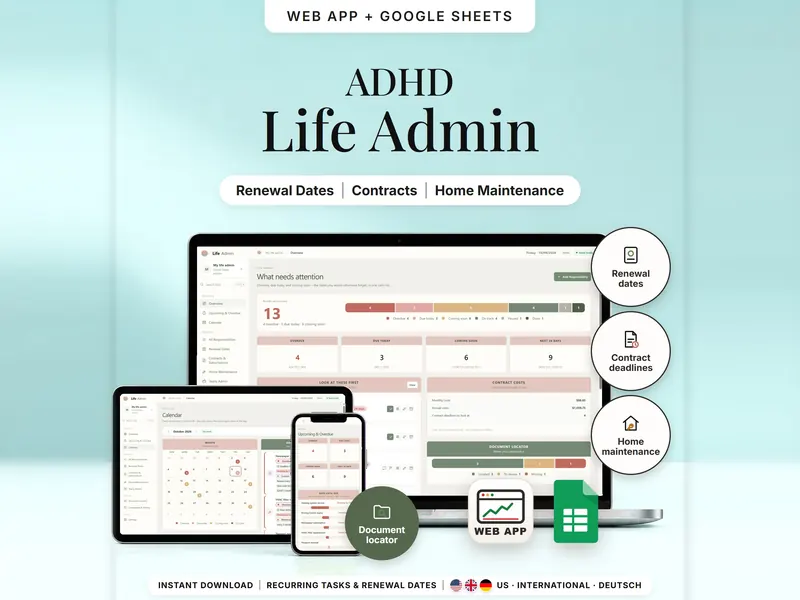
Renewals, contract deadlines, home maintenance and papers – what's overdue and due soon.
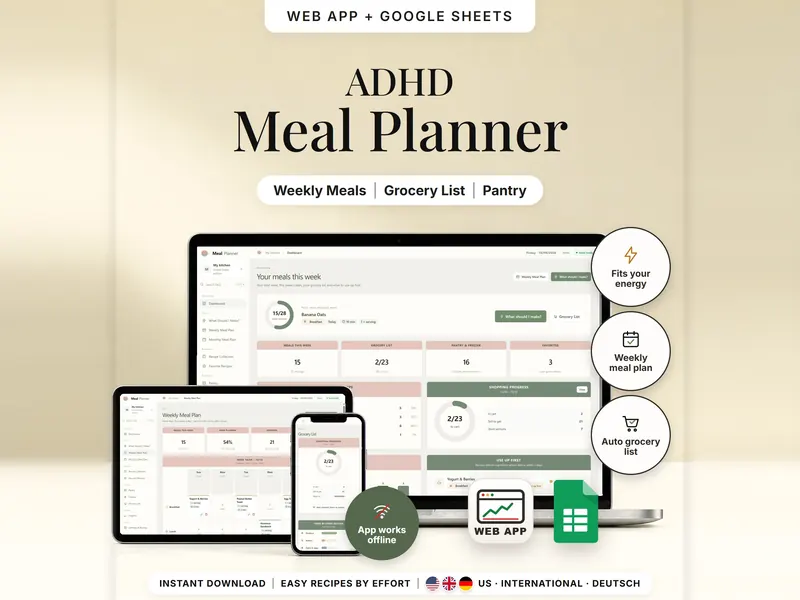
Pick easy meals by energy and time; the grocery list subtracts what you have.
€6.99 for buyers in Germany, incl. 19% VAT
One-time purchase · instant download · offline web app + Google Sheets
Last updated: Oct 2026 · Version 1.0