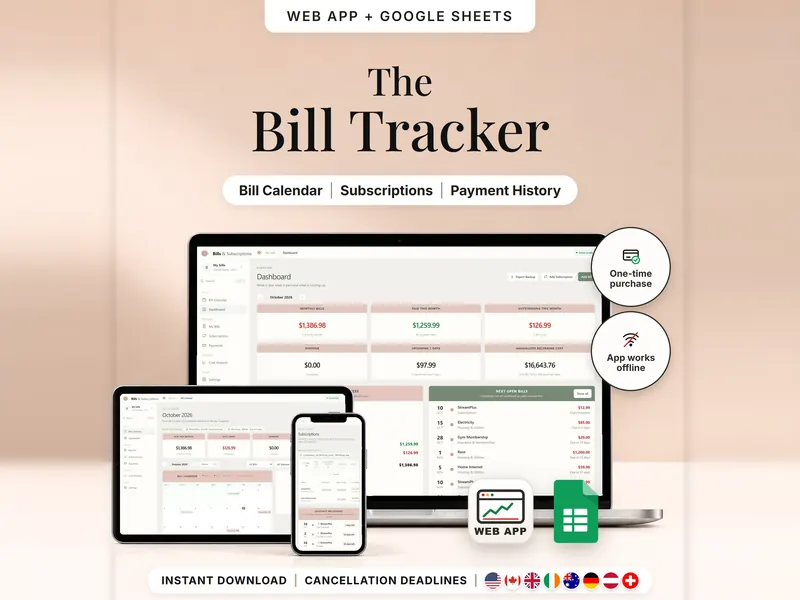
Bills & Subscriptions Organizer
Every bill, renewal and last day to cancel on one calendar – mark what's paid.
- Web app + Sheets
€6.99*

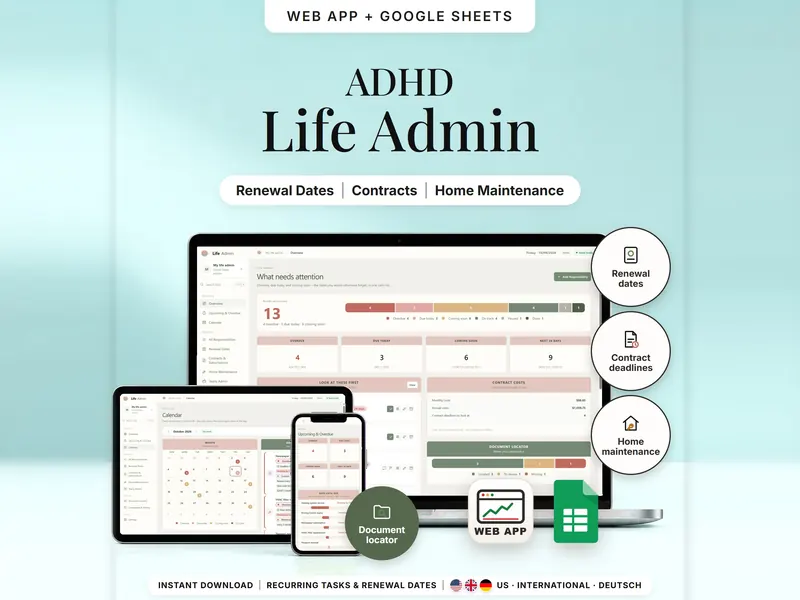
Renewals, contract deadlines, home maintenance and papers – what's overdue and due soon.
€6.99 for buyers in Germany, incl. 19% VATOne-time purchase · instant download
Etsy shows the final amount in your currency at checkout.
After payment, download your files in a web browser – Etsy → You → Purchases and reviews → Download files, or the link in Etsy's order email if you checked out as a guest. The Etsy app can't download files.
In short
ADHD Life Admin Planner is a one-time download: an offline web app (no account needed) plus a separate Google Sheets™ template (free Google account) for keeping renewal dates, contract deadlines, home maintenance and yearly paperwork in one overview, with a list of where your documents are. No subscription.
Most life admin isn't difficult; it just comes up too rarely to remember. Enter each renewal, contract, maintenance job or yearly task once, with how it repeats and how many days of warning you want. The planner sorts everything into overdue, due today, coming soon and on track, works out the last day to decide on a contract (term end minus notice period) and shows the next date before you confirm something as done.
It is a list, not an assistant: nothing is cancelled or renewed for you, contract terms aren't checked, and there are no emails or push notifications – the status updates when you open it. The document locator notes where papers are kept; it is not a place for passwords or ID numbers.
An organizing tool – not a medical tool.
The 15-second tour
The overview. Labels appear one by one: Recurring Tasks, Renewal Dates, Document Locations, Due Soon View and Life Admin Calendar. A small card adds up what needs attention: 4 overdue, plus 3 due today, plus 6 coming soon makes 13. Then the items to look at first, the renewal timeline, the document locator and the month calendar. It ends with: offline web app + Google Sheets, three editions (US, International, Deutsch), separate files, no syncing.
The video has no sound. · 15 s
Feature images
Real screenshots, sample data.
A single HTML file that opens in your browser, without an account or subscription
Blank and with sample data, for 3 regions
US, International and German (DACH)
Setup instructions in English and German (PDF)
Two separate files – pick the one that fits how you work. They don't sync.
| Topic | Offline web app | Google Sheets |
|---|---|---|
| Where your data lives | In your browser, on this device | In your own copy in Google Drive |
| Account | Not needed | A free Google account |
| Works offline | Yes, once the file is open | Normally needs an internet connection |
| Marking done | One click, with the next date shown first | Add a row in the history tab |
| Undo | Undo Last Action restores the dates | Clear the history row |
| Backup | JSON backup file with a checksum | Google's version history |
| Room for | 250 responsibilities, 150 documents, 1,200 history entries | 250 responsibilities, 150 documents, 1,200 history rows |
They don't sync.
Check out on Etsy, then download your files in a web browser – not in the Etsy app.
The guide shows which web app file to open and has your Google Sheets copy links and the link for iPhone and iPad.
Open the web app in your browser, or make your own copy of the Google Sheets template, and add your first entry.
ADHD Life Admin Planner
€6.99 for buyers in Germany, incl. 19% VATEtsy shows the final amount in your currency at checkout.
One-time purchase · instant download · offline web app + Google Sheets
| Device | Web app | Google Sheets |
|---|---|---|
| Windows or Mac computer | Open the HTML file in Chrome, Edge, Firefox or Safari | In your browser |
| Android phone or tablet | Open the file from Downloads with Chrome | Google Sheets app or browser |
| iPhone & iPad | Open the web-app link from your START HERE guide in Safari and add it to your Home Screen | Google Sheets app or browser |
| Edition | Format |
|---|---|
| US | 10/09/2026, $, week starts Sunday |
| International | 09/10/2026, £, week starts Monday, UK English |
| German | 09.10.2026, €, week starts Monday, German texts |
No. There are no push notifications or emails. Dates and statuses update each time you open the app, and your warning time decides when something shows as coming soon.
No. It shows the last day to decide. “Note Cancellation” is your own note – always confirm with the provider. It doesn't check contract terms either.
Please don't. The document locator is a list of places, such as “blue folder, shelf” – not a secure vault for passwords, PINs, ID or account numbers.
The web app needs no account – you open the file in your browser. The Google Sheets version needs a free Google account. There is no stillmeasure. account and no subscription.
In the web app, your list is saved in your browser on that device; export a JSON backup now and then. In Google Sheets, it's your own copy in Google Drive. The two versions don't sync.
iPhone & iPad: open the web-app link from your START HERE guide in Safari and add it to your Home Screen. A downloaded HTML file on its own only opens as a preview on iPhone and iPad.
It isn't supported. The spreadsheet is built for Google Sheets.
Every bill, renewal and last day to cancel on one calendar – mark what's paid.
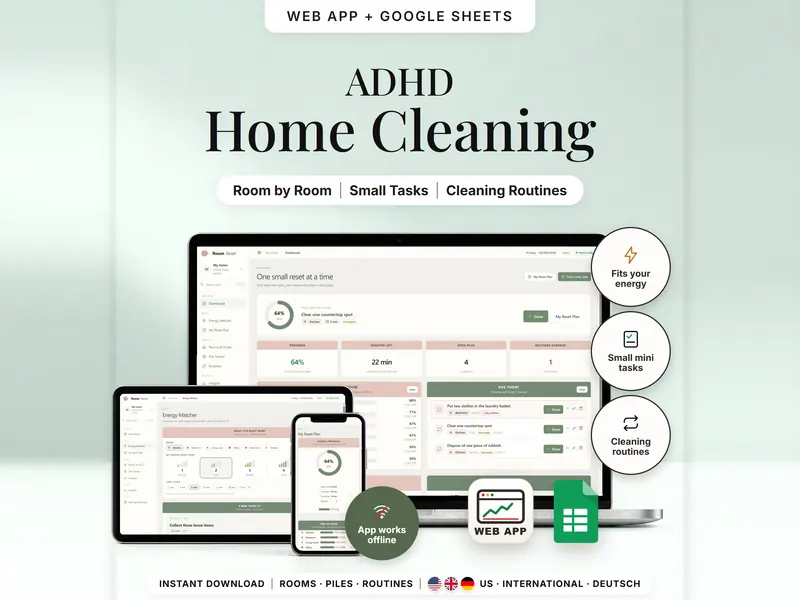
Pick a room, your energy and your minutes – get one small task that fits.
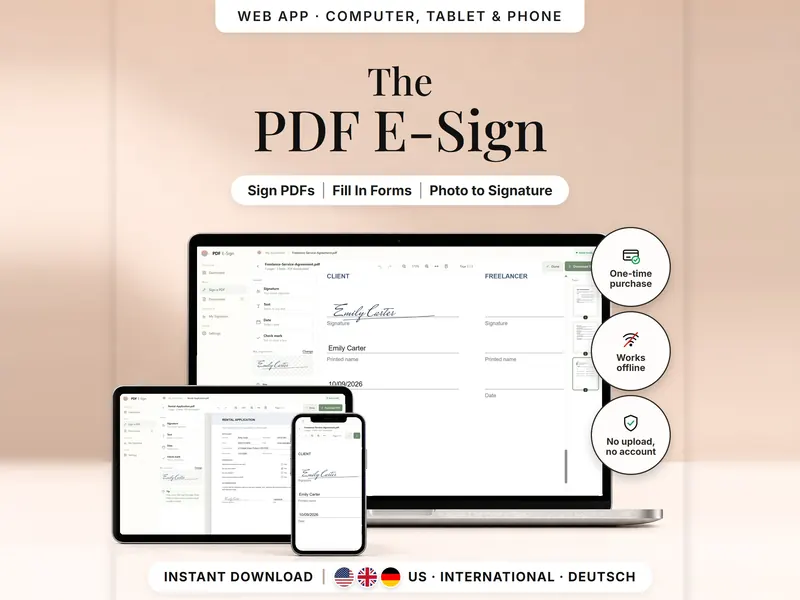
Add your signature, text, dates and check marks to a PDF and download a signed copy.
€6.99 for buyers in Germany, incl. 19% VAT
One-time purchase · instant download · offline web app + Google Sheets
Last updated: Oct 2026 · Version 1.0