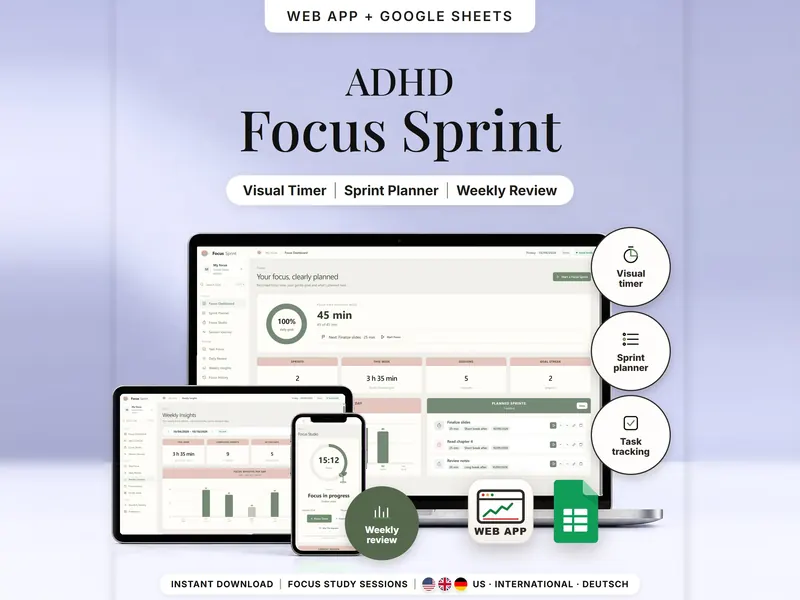
Focus Sprint & Visual Study Timer
Plan focus sprints, follow a calm countdown and see focus time by task, day and week.
- Web app + Sheets
- Made for ADHD brains
€6.99*

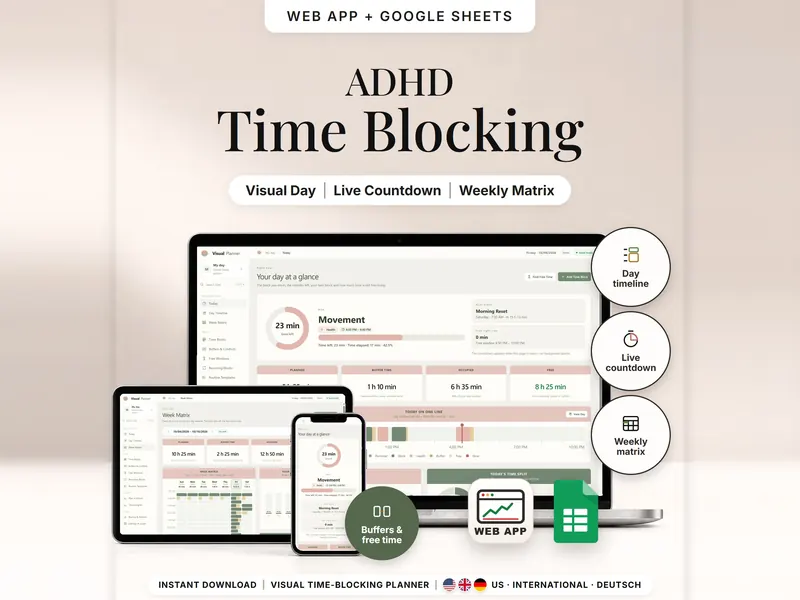
See your day as time blocks drawn to scale, with minutes left, buffers and free time.
€6.99 for buyers in Germany, incl. 19% VATOne-time purchase · instant download
Etsy shows the final amount in your currency at checkout.
After payment, download your files in a web browser – Etsy → You → Purchases and reviews → Download files, or the link in Etsy's order email if you checked out as a guest. The Etsy app can't download files.
In short
Visual Time Blocking Planner is a one-time download: an offline web app (no account needed) plus a separate Google Sheets™ template (free Google account) for planning your day in time blocks and seeing minutes left, buffers and free time. No subscription.
A to-do list says what to do, but not when or for how long. This ADHD time blocking planner shows your day as time: each block drawn in real proportion, a buffer after it for switching, a red line for now and the free time that's really left. While the app is open, you see the block you're in, its minutes left and what comes next. Later, log how long things took and compare planned with actual – without a score.
It has no alarms, sounds or notifications, and the countdown only runs while the app is open. On Etsy and in your browser tab, it's called ADHD Daily Planner – Visual Time Blocking.
An organizing tool – not a medical tool.
The 15-second tour
The today page on a laptop, labeled Your day on one line. A card adds up: planned blocks 5 h 25 min plus buffers 1 h 10 min make 6 h 35 min occupied. Then Blocks with buffers, Your week at a glance and Find free time, while tags add up: Daily Timeline, Time Buffers, Weekly Matrix, Free Time View, Now Line. It ends with: offline web app + Google Sheets, three editions, separate files, no syncing.
The video has no sound. · 15 s
Feature images
Real screenshots, sample data.
A single HTML file that opens in your browser, without an account or subscription
Blank and with sample data, for 3 regions
US, International and German (DACH)
Setup instructions in English and German (PDF)
Both versions are included as separate files – they don't sync. The live countdown, one-tap logging, routine insert and backups are web-app features; Sheets works with rows you type.
| Topic | Offline web app | Google Sheets |
|---|---|---|
| Where your plan lives | In your browser, on this device | In your own copy in Google Drive |
| Account | Not needed | A free Google account |
| Works offline | Yes, once the file is open | Usually needs an internet connection |
| Minutes left | Live countdown while the app is open | As of the last recalculation – no running timer |
| Routines | Inserted at the start time you pick | Rows calculated for you to copy into the blocks tab |
| Clock changes | Recurring blocks keep their local time | Check the UTC offsets in the time-zone tab |
| Backup | Backup file with checksum, CSV export | Google's version history |
They don't sync.
Check out on Etsy, then download your files in a web browser – not in the Etsy app.
The guide shows which web app file to open and has your Google Sheets copy links and the link for iPhone and iPad.
Open the web app in your browser, or make your own copy of the Google Sheets template, and add your first entry.
Visual Time Blocking Planner
€6.99 for buyers in Germany, incl. 19% VATEtsy shows the final amount in your currency at checkout.
One-time purchase · instant download · offline web app + Google Sheets
| Device | Web app | Google Sheets |
|---|---|---|
| Windows or Mac computer | Open the HTML file in Chrome, Edge, Firefox or Safari | In your browser |
| Android phone or tablet | Open the file from Downloads with Chrome | Google Sheets app or browser |
| iPhone & iPad | Open the web-app link from your START HERE guide in Safari and add it to your Home Screen | Google Sheets app or browser |
| Edition | Format |
|---|---|
| US | 10/09/2026, 4:17 PM, week starts Sunday |
| International | 09/10/2026, 16:17, week starts Monday, UK English |
| German | 09.10.2026, 16:17, Woche ab Montag |
No. It has no alarms or notifications, and the countdown runs only while the app is open.
Buffers count as occupied time. A 10-minute buffer is time you keep free for switching.
The web app needs no account – you open the file in your browser. The Google Sheets version needs a free Google account. There's no stillmeasure. account and no subscription.
In the web app, in your browser on that device, so open the same file in the same browser and export a backup now and then. In Google Sheets, in your own copy in Google Drive. The two versions don't sync.
iPhone & iPad: open the web-app link from your START HERE guide in Safari and add it to your Home Screen. A downloaded HTML file on its own only opens as a preview on iPhone and iPad.
No. The web app works on its own in your browser and sends nothing anywhere.
It isn't supported. The spreadsheet version is made for Google Sheets.
Plan focus sprints, follow a calm countdown and see focus time by task, day and week.
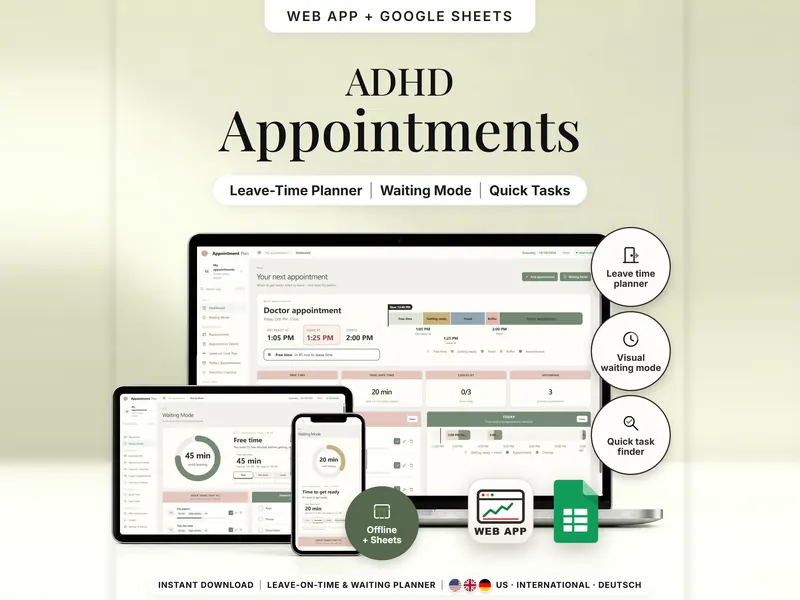
See when to get ready and when to leave, then use the free minutes before you go.
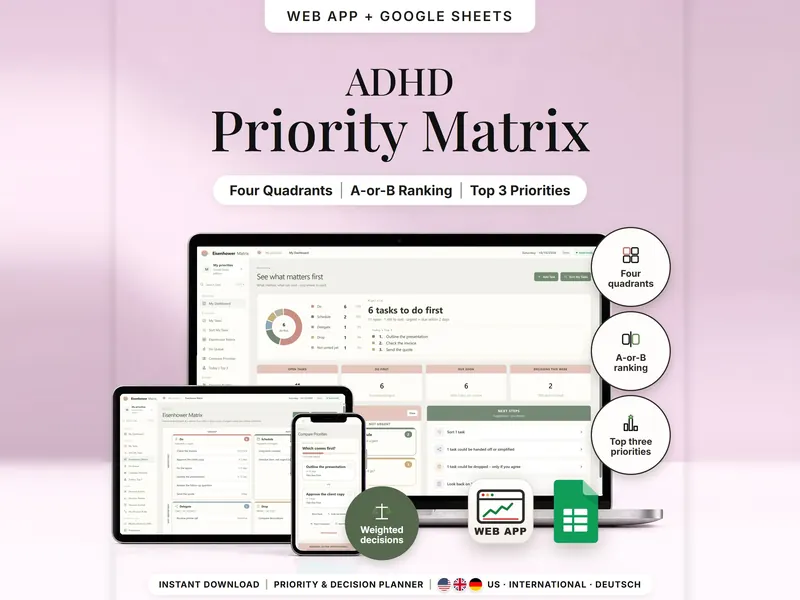
Sort tasks into Do, Schedule, Delegate or Drop and find your top 3, two tasks at a time.
€6.99 for buyers in Germany, incl. 19% VAT
One-time purchase · instant download · offline web app + Google Sheets
Last updated: Oct 2026 · Version 1.0