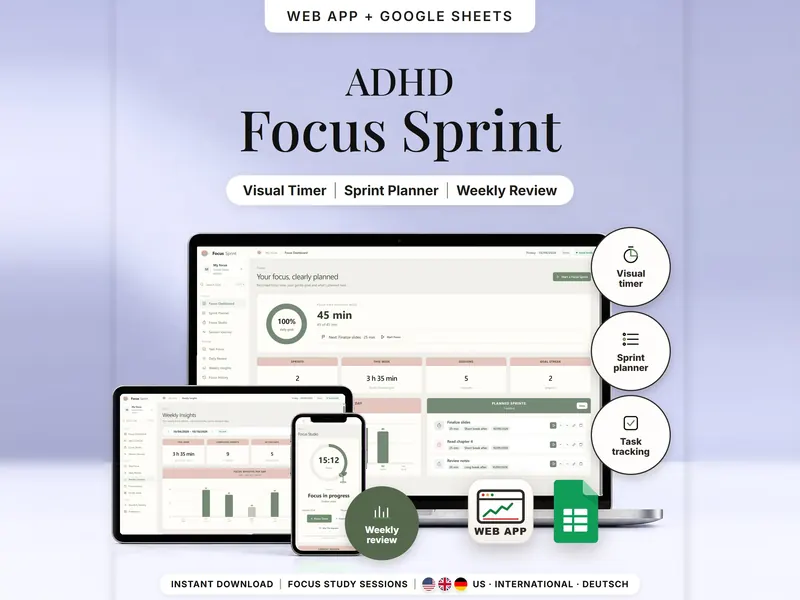
Focus Sprint & Visual Study Timer
Plan focus sprints, follow a calm countdown and see focus time by task, day and week.
- Web app + Sheets
- Made for ADHD brains
€6.99*

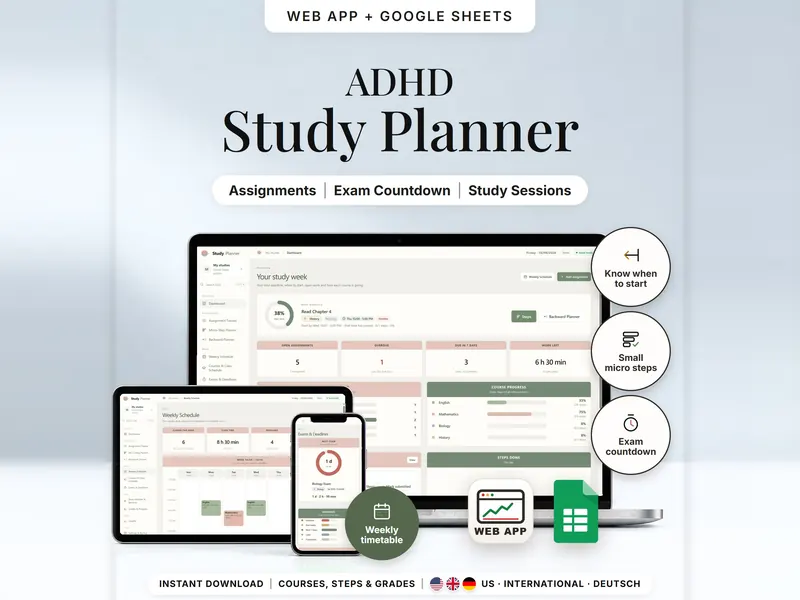
Track assignments and exams, split them into small steps and see when to start each one.
€6.99 for buyers in Germany, incl. 19% VATOne-time purchase · instant download
Etsy shows the final amount in your currency at checkout.
After payment, download your files in a web browser – Etsy → You → Purchases and reviews → Download files, or the link in Etsy's order email if you checked out as a guest. The Etsy app can't download files.
In short
Assignment Tracker & Student Planner is a one-time download: an offline web app (no account needed) plus a separate Google Sheets™ template (free Google account) for tracking assignments, exams and readings – and for seeing when to start each one. No subscription.
A due date tells you when something ends, not when to begin. This assignment tracker for Google Sheets and your browser works back from it: you add each assignment, exam, quiz, reading or project with its exact due time, split it into small steps with minutes, and set one study window per weekday. The backward planner places the open minutes into those windows, counting back from the due time and your buffer, and shows a start-by time.
It doesn't book anything into a calendar, doesn't connect to your school or university and doesn't predict grades – averages come only from the grades you type in. The start-by time is a suggestion, not an appointment.
An organizing tool – not a medical tool.
The 15-second tour
The dashboard, under the line “Plan assignments backward from deadlines and track study work.” Labels appear one by one: Backward Planner, Exam Countdown, Study Sessions, Due-Date Tracker and Grade Tracking. A small card works it out: due Fri 6:30 PM, a 30-minute buffer and 1 hour of work give start by Fri 5:00 PM. Then the backward planner, exam countdown and grades. It ends with: offline web app + Google Sheets, three editions, separate files, no syncing.
The video has no sound. · 15 s
Feature images
Real screenshots, sample data.
A single HTML file that opens in your browser, without an account or subscription
Blank and with sample data, for 3 regions
US, International and German (DACH)
Setup instructions in English and German (PDF)
Two separate files – pick the one that suits how you study. They don't sync.
| Topic | Offline web app | Google Sheets |
|---|---|---|
| Where your data lives | In your browser, on this device | In your own copy in Google Drive |
| Account | Not needed | A free Google account |
| Works offline | Yes, once the file is open in your browser | Needs an internet connection |
| Steps | One tap to tick done, start or skip | Status lists in the step rows |
| Countdowns & overdue | Live, from the current time | From a reference time you set |
| “Surprise me” | A button that picks one fitting step | A pick number you raise by 1 |
| Backup | Backup file and CSV export | Google's version history |
They don't sync.
Check out on Etsy, then download your files in a web browser – not in the Etsy app.
The guide shows which web app file to open and has your Google Sheets copy links and the link for iPhone and iPad.
Open the web app in your browser, or make your own copy of the Google Sheets template, and add your first entry.
Assignment Tracker & Student Planner
€6.99 for buyers in Germany, incl. 19% VATEtsy shows the final amount in your currency at checkout.
One-time purchase · instant download · offline web app + Google Sheets
| Device | Web app | Google Sheets |
|---|---|---|
| Windows or Mac computer | Open the HTML file in Chrome, Edge, Firefox or Safari | In your browser |
| Android phone or tablet | Open the file from Downloads with Chrome | Google Sheets app or browser |
| iPhone & iPad | Open the web-app link from your START HERE guide in Safari and add it to your Home Screen | Google Sheets app or browser |
| Edition | Format |
|---|---|
| US | 10/09/2026, week starts Sunday, 12-hour time |
| International | UK, Ireland, Australia, New Zealand and Canada – 09/10/2026, week starts Monday, 24-hour time, UK English (marks, timetable) |
| DACH | Germany, Austria and Switzerland – German texts, 09.10.2026, 24-hour time |
No. It doesn't link to any school or university system. You add your courses, class times and due dates yourself.
The web app needs no account – you open the file in your browser. The Google Sheets version needs a free Google account. Either way, there is no stillmeasure. account and no subscription.
In the web app, it's saved in your browser on that device, not inside the HTML file – so download a backup now and then. In Google Sheets, it's in your own copy in Google Drive. The two versions don't sync.
iPhone & iPad: open the web-app link from your START HERE guide in Safari and add it to your Home Screen. A downloaded HTML file on its own only opens as a preview on iPhone and iPad.
There wasn't enough study time in your windows before the due time. Widen a study window, add a day or lower the buffer.
Steps and submitting are separate – click Mark submitted (or Mark taken) when you hand it in.
It isn't supported. The spreadsheet is made for Google Sheets.
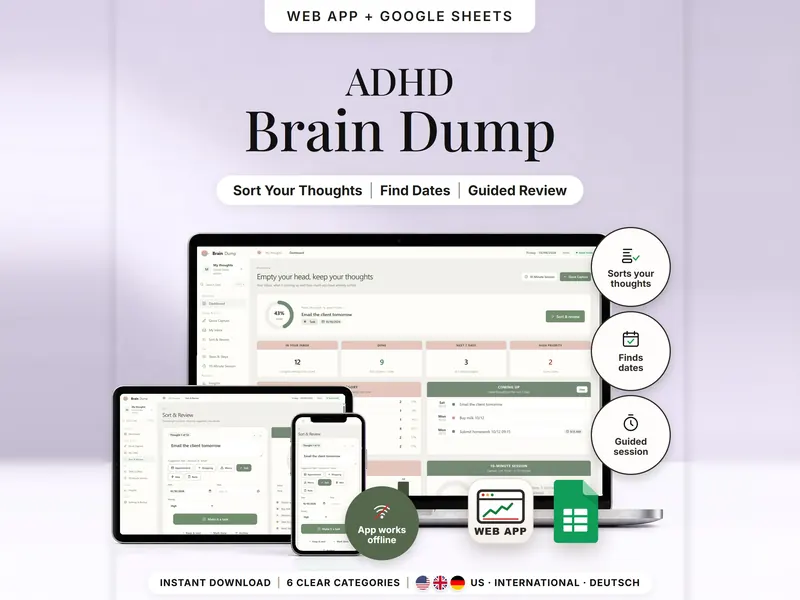
Plan focus sprints, follow a calm countdown and see focus time by task, day and week.
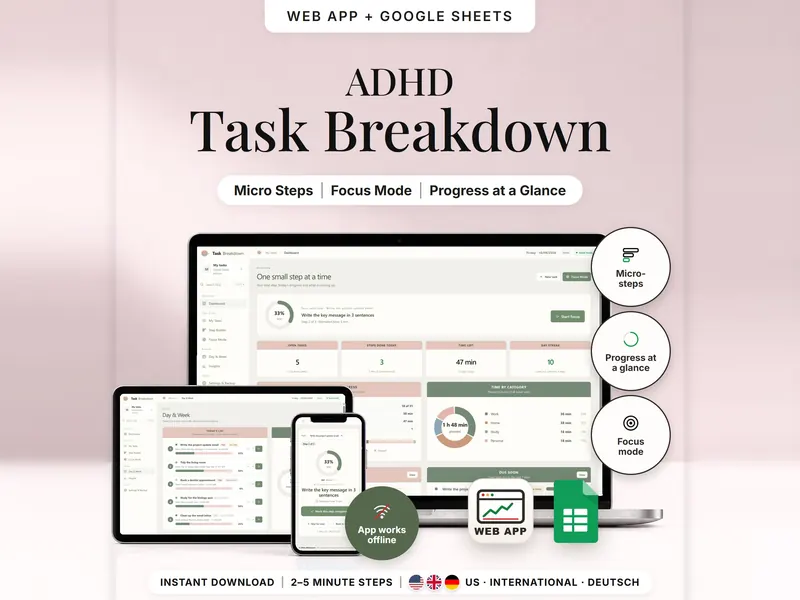
Break a big task into 2–5 minute steps and see only the next one in Focus Mode.
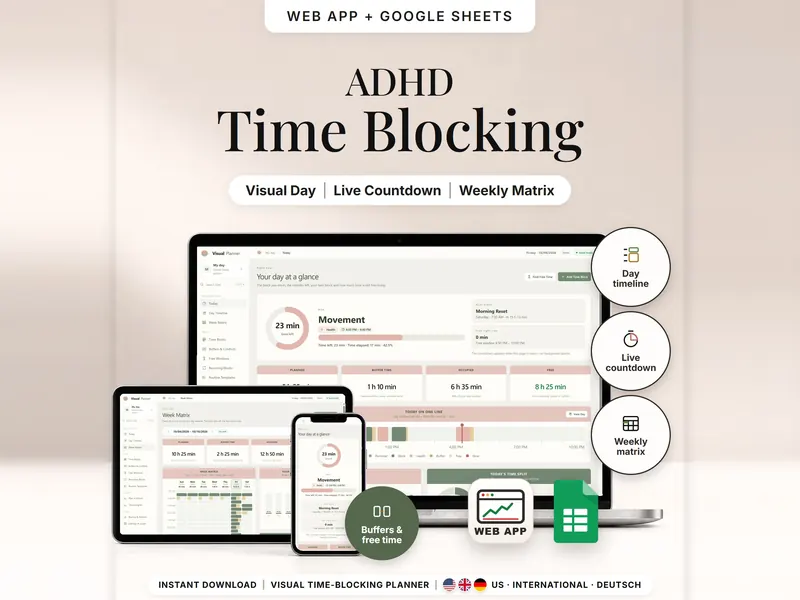
See your day as time blocks drawn to scale, with minutes left, buffers and free time.
€6.99 for buyers in Germany, incl. 19% VAT
One-time purchase · instant download · offline web app + Google Sheets
Last updated: Oct 2026 · Version 1.0