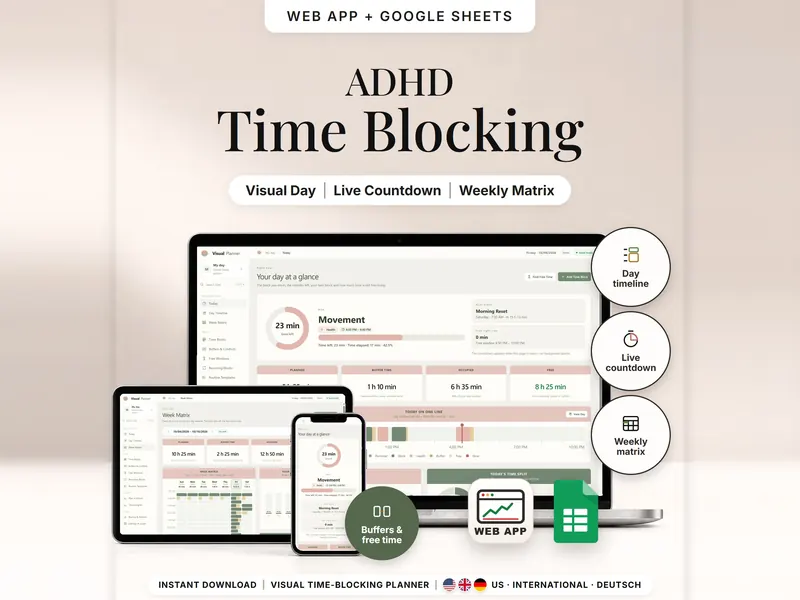
Visual Time Blocking Planner
See your day as time blocks drawn to scale, with minutes left, buffers and free time.
- Web app + Sheets
- Made for ADHD brains
€6.99*

See when to get ready and when to leave, then use the free minutes before you go.
€6.99 for buyers in Germany, incl. 19% VATOne-time purchase · instant download
Etsy shows the final amount in your currency at checkout.
After payment, download your files in a web browser – Etsy → You → Purchases and reviews → Download files, or the link in Etsy's order email if you checked out as a guest. The Etsy app can't download files.
In short
ADHD Appointment Planner is a one-time download: an offline web app (no account needed) plus a separate Google Sheets™ template (free Google account) for working out when to get ready and when to leave, with a waiting mode and short tasks that fit the time before. No subscription.
With an appointment later in the day, the hours before it can feel blocked, and getting ready can still start late. This ADHD appointment planner works backwards: enter the start time, travel time, a buffer and how long you need to get ready, and it shows when to get ready, when to leave and when you'd arrive, on a timeline drawn to scale. A calm waiting mode counts the minutes until you leave, and the task finder suggests short tasks that fit before getting ready, with a 5-minute safety margin kept free.
It only knows what you enter: travel times don't update by themselves, and times show on screen while the page is open – it won't ring, buzz or send you a message.
An organizing tool – not a medical tool.
The 15-second tour
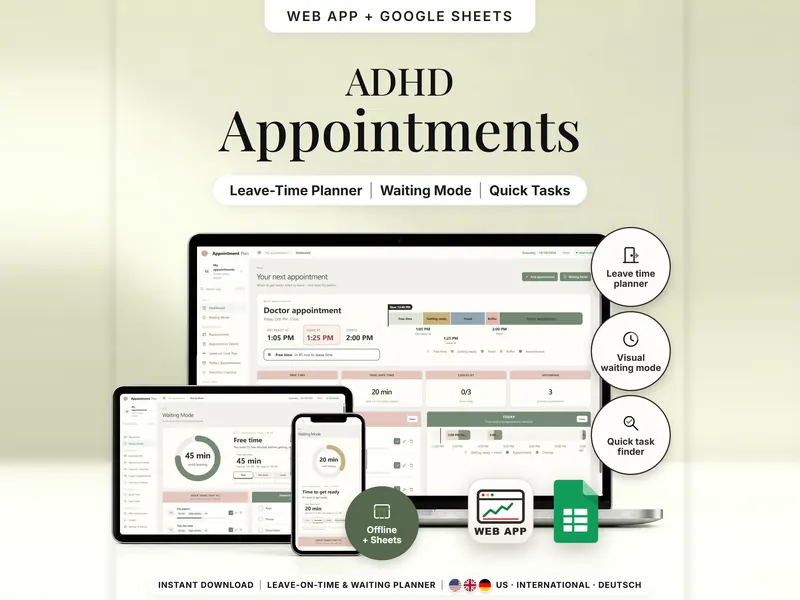
The web app on a laptop, titled ADHD Appointment Planner. The dashboard shows a doctor appointment at 2:00 PM with leave time 1:25 PM; a card works it out: 2:00 PM minus 25 min travel minus 10 min buffer. Then the Leave-on-Time Plan, Waiting Mode with 45 min until leaving and the task finder. Labels: Leave-Time Planner, Travel Buffer, Waiting Mode, Waiting Task Finder, Leave Checklist. Last card: separate files, no syncing.
The video has no sound. · 15 s
Feature images
Real screenshots, sample data.
A single HTML file that opens in your browser, without an account or subscription
Blank and with sample data, for 3 regions
US, International and German (DACH)
Setup instructions in English and German (PDF)
Both versions work out when to get ready and when to leave. Two separate files – they don't sync.
| Topic | Offline web app | Google Sheets |
|---|---|---|
| Where your data lives | In your browser, on this device | In your own copy in Google Drive |
| Account | Not needed | A free Google account |
| Works offline | Yes | Usually needs an internet connection |
| Current time | Taken from your device, updated while the page is open | A time snapshot you enter: date, time and UTC offset |
| Time zones | Kept per appointment, clock changes included | You enter the UTC offsets; a missing one shows TZ CHECK |
| Travel-time suggestions | Apply the suggestion or keep your values | Typed in by hand |
| Backup | JSON backup with a check value | Google's version history |
They don't sync.
Check out on Etsy, then download your files in a web browser – not in the Etsy app.
The guide shows which web app file to open and has your Google Sheets copy links and the link for iPhone and iPad.
Open the web app in your browser, or make your own copy of the Google Sheets template, and add your first entry.
ADHD Appointment Planner
€6.99 for buyers in Germany, incl. 19% VATEtsy shows the final amount in your currency at checkout.
One-time purchase · instant download · offline web app + Google Sheets
| Device | Web app | Google Sheets |
|---|---|---|
| Windows or Mac computer | Open the HTML file in Chrome, Edge, Firefox or Safari | In your browser |
| Android phone or tablet | Open the file from Downloads with Chrome | Google Sheets app or browser |
| iPhone & iPad | Open the web-app link from your START HERE guide in Safari and add it to your Home Screen | Google Sheets app or browser |
| Edition | Format |
|---|---|
| US | 10/11/2026, 12-hour clock, week starts Sunday |
| International | 11/10/2026, 24-hour clock, week starts Monday, UK English |
| German | 11.10.2026, 24-Stunden-Uhr, Woche ab Montag |
No. It's a planning tool: times and minutes are shown on screen and update while the page is open. When you reopen it, it recalculates from the current time.
No. You enter travel times yourself. Suggestions come only from your own notes on past trips, after three trips on the same route and travel mode.
The minutes turn negative. The planner can't know whether you already left – noting the trip afterwards is optional.
The web app needs no account. The Google Sheets version needs a free Google account. There is no stillmeasure. account and no subscription.
In the web app, in your browser on that device, not inside the HTML file – use the same file in the same browser and export a backup now and then. In Google Sheets, in your own copy in Google Drive. The two versions don't sync.
iPhone & iPad: open the web-app link from your START HERE guide in Safari and add it to your Home Screen. A downloaded HTML file on its own only opens as a preview on iPhone and iPad.
It isn't supported. The spreadsheet version is built for Google Sheets.
See your day as time blocks drawn to scale, with minutes left, buffers and free time.
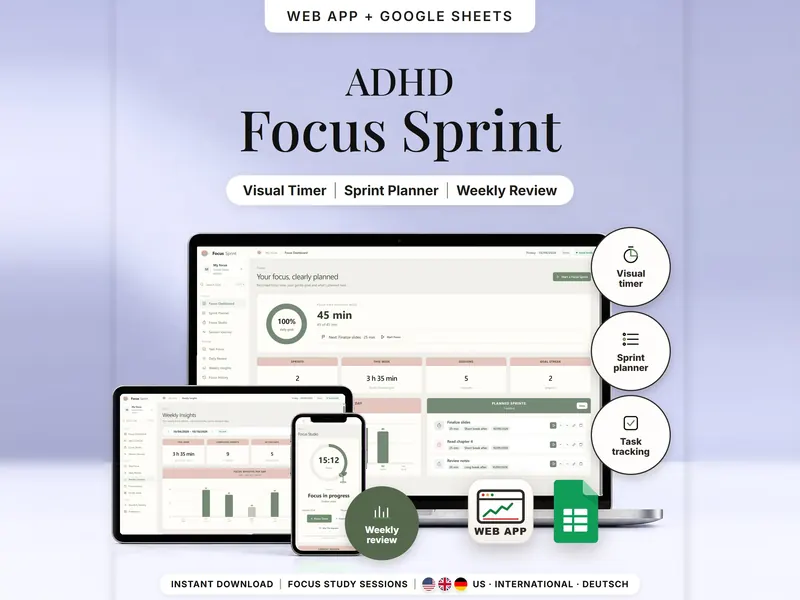
Plan focus sprints, follow a calm countdown and see focus time by task, day and week.
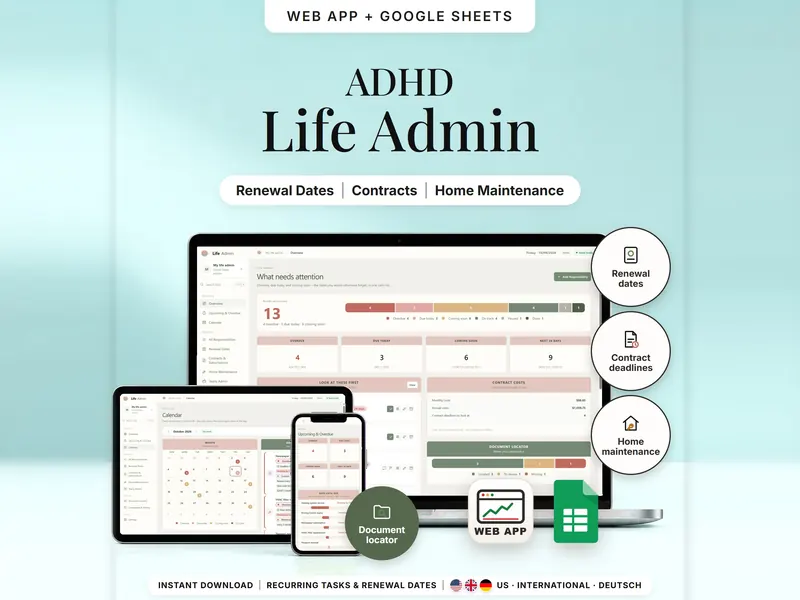
Renewals, contract deadlines, home maintenance and papers – what's overdue and due soon.
€6.99 for buyers in Germany, incl. 19% VAT
One-time purchase · instant download · offline web app + Google Sheets
Last updated: Oct 2026 · Version 1.0